1. Write the brief
Name the product or announcement and the mood. For a website hero, reserve an uncluttered area for live headline text and a button. For a promotion, use only approved offer wording.
An AI banner generator turns a written brief into website, social or promotional banner artwork. Choose a 16:9 or 21:9 image with Nano Banana Pro in the existing generator, or upload an authorized product photo to edit. Text generation costs 20 credits at 1K; a reference edit costs 40 credits at 1K. This guide provides prompts and manual setup, not an automatic banner editor.
Use only images, product assets and wording you have the rights to use, with consent from anyone pictured. This is an independent website, not affiliated with or endorsed by Google. Review offers, text and product details before publishing.
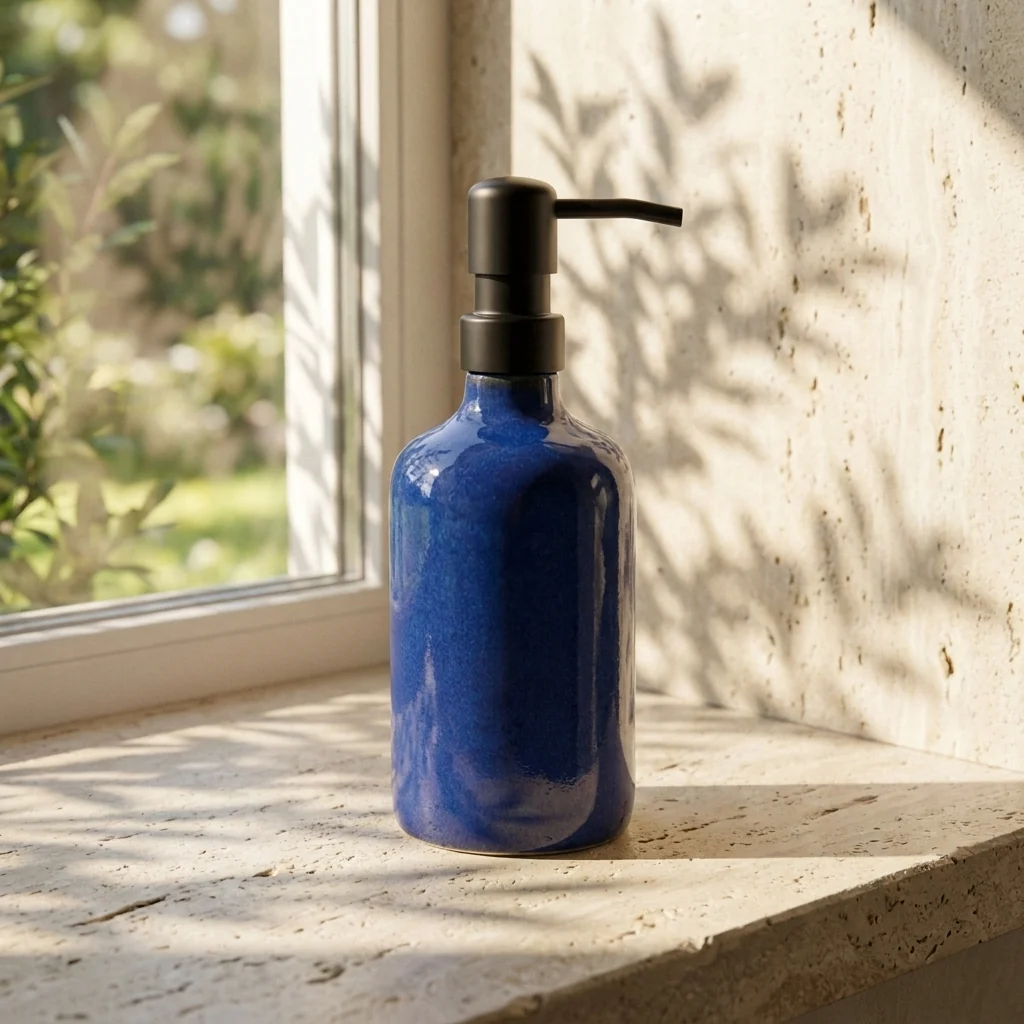
Decide where the banner will appear before writing the prompt. Describe the focal product, background, color palette and space for your final headline.
Name the product or announcement and the mood. For a website hero, reserve an uncluttered area for live headline text and a button. For a promotion, use only approved offer wording.
Open the generator, select Nano Banana Pro, and choose 16:9 or 21:9 to suit your placement. Paste a prompt or upload a product photo up to 8 MB for an edit. The link does not prefill a prompt or select a model.
Sign in and check the displayed quote. At 1K, text generation costs 20 credits and reference editing costs 40; at 4K, the quotes are 40 and 60 credits respectively. Inspect details, then crop or resize for your destination in an editor.
Copy a prompt into the existing tool and replace the subject with your own. These are instructions to try, not tested outputs. Add exact promotional text in an editor when spelling and placement must be precise.
Create a wide website hero image for an independent ceramic shop. Place an original handmade mug on the right against a warm neutral background, with soft side lighting and uncluttered space on the left for a live headline and button. No text, logos or watermarks.
Use my authorized product photo as the reference for a wide seasonal banner. Preserve the product shape and label as closely as possible. Add a subtle autumn background with warm colors and natural light. Keep clear space beside the product for approved offer text added later. No invented discounts or brand logos.
Create a wide social announcement image for a local plant workshop. Use original green leaf arrangements and a potting table as the focal scene. Keep the central subject easy to crop and leave calm background space for an event title. No text or third-party logos.
The result is a flat image draft, not an editable ad layout, HTML banner or campaign publishing service. It does not include clickable buttons or guarantee advertising results.
Preview the artwork in the actual website or social placement. Keep the product away from crop edges and add website headlines as live text where practical. An aspect ratio does not guarantee the destination pixel size or file limit.
Compare a reference edit with the original. Labels, packaging, colors and proportions can change. Reject misleading product details and fix spelling before publishing.
Add approved dates, prices and legal copy in a layout editor. Export for the destination requirements. A generated button is part of the picture; implement real navigation in your website or ad platform.
Plan video thumbnail artwork from text or an authorized screenshot.
Start from an existing seasonal campaign prompt template.
Plan an event or shop flyer from a text brief.
Review available plans before submitting an image request.
Read the terms for your uploads and generated content.
Yes. Select Nano Banana Pro in the existing generator, choose a wide ratio and describe the subject, palette and layout. Leave space for a headline, then review the image before using it on your website or social account.
Yes. Upload an authorized photo up to 8 MB with the selected model and describe the banner setting. Ask to preserve the product, but inspect labels and proportions because exact preservation is not guaranteed.
16:9 and 21:9 are supported by Nano Banana Pro. Choose the ratio in the generator rather than relying on the prompt alone. Crop and resize the finished image for your placement; a ratio is not a guarantee of exact pixel dimensions.
No free generation is promised by this guide. With Nano Banana Pro, text generation costs 20 credits at 1K or 40 at 4K; a reference edit costs 40 at 1K or 60 at 4K. Sign in and check your balance and current quote before submitting.
No. Exact spelling, typography and layout are not guaranteed. Request a clean background with space for text, then add and proofread your final headline, prices and offer conditions in an editor.
No. The button opens the existing image tool; it does not prefill a prompt, select a model or submit a request. Set up the image yourself, check the quote, and publish only after reviewing the result.