Product lifestyle scene

Product Background Replacement

Use this AI product background replacement prompt to turn a plain product photo into a clean commercial lifestyle or listing image.

productproductLifestyle1:1Reference image required
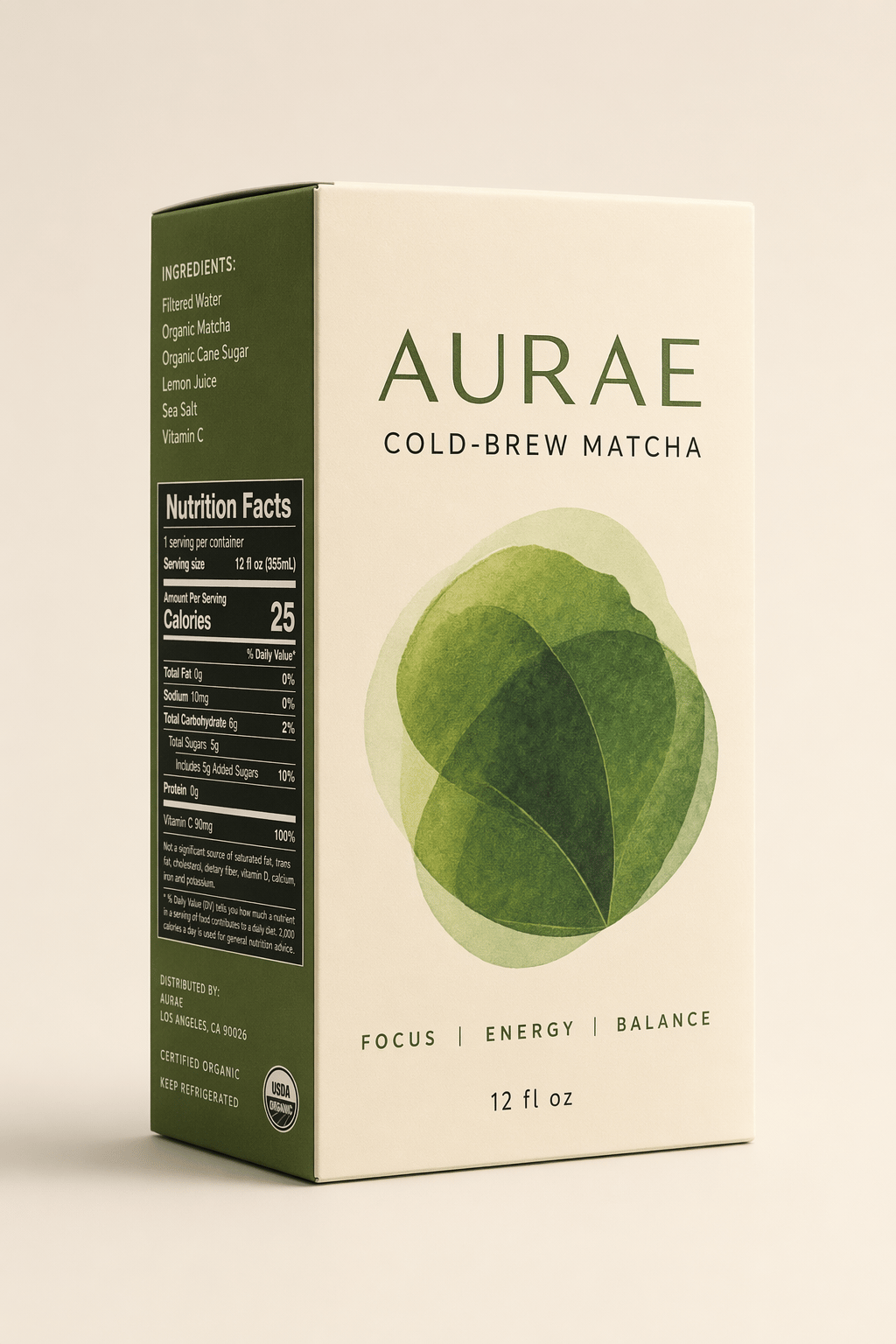
Product background replacement preview
Catalog example for visual reference. Your model, inputs, and settings can produce a different result.

Template prompt

Improve the uploaded product photo by replacing the background with {argument name="background" default="a clean marble counter with soft natural window light and subtle greenery in the background"}. Preserve the exact product shape, label position, camera angle, color, packaging, and scale. Add realistic contact shadows and reflections that match the new environment. Use the result for Etsy, Shopify, Amazon, or social product marketing. Restrictions: do not change the packaging, do not add text, do not add extra objects, do not invent claims, do not distort the label.

Use cases

  • Product listing background refreshes
  • Lifestyle scenes for ecommerce visuals
  • Campaign tests with a real product reference

Prompt tips

  • Upload a clear product reference before changing the scene.
  • Specify which product shape, label, material, and scale must remain unchanged.
  • Keep the new background simple enough that the product remains the hero.

How to use this template well

Start by reading the prompt before sending it to the generator. The template is written as a structured creative brief, so the important fields are the subject, scene, composition, material, lighting, and any short copy that should appear in the image. Replace those fields with your inputs. Copy the completed prompt into the generator, or find this template by title in its picker. Select a model and the available output settings before generating.

If the template asks for a reference image, use the clearest product or object photo you have and describe what must remain unchanged. For product work, that usually means shape, label placement, material, scale, and the number of items in the frame. For ad creative, it means the real object, the headline, and the visual concept that should guide the layout.

After generation, review the output like a draft. Check for distorted product details, invented claims, unreadable copy, incorrect logos, and mismatched aspect ratio. If the image is close but not usable, adjust one constraint at a time rather than rewriting the whole prompt. Compare each new result against the same brief and reference, and check the displayed credit cost before another attempt.