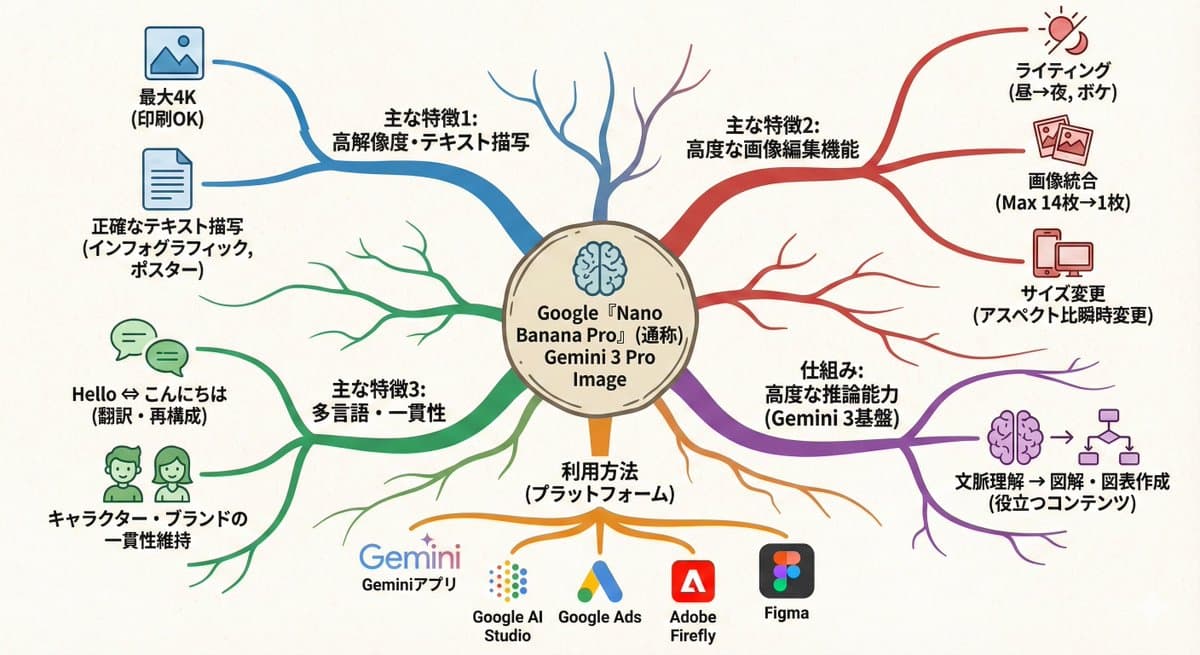
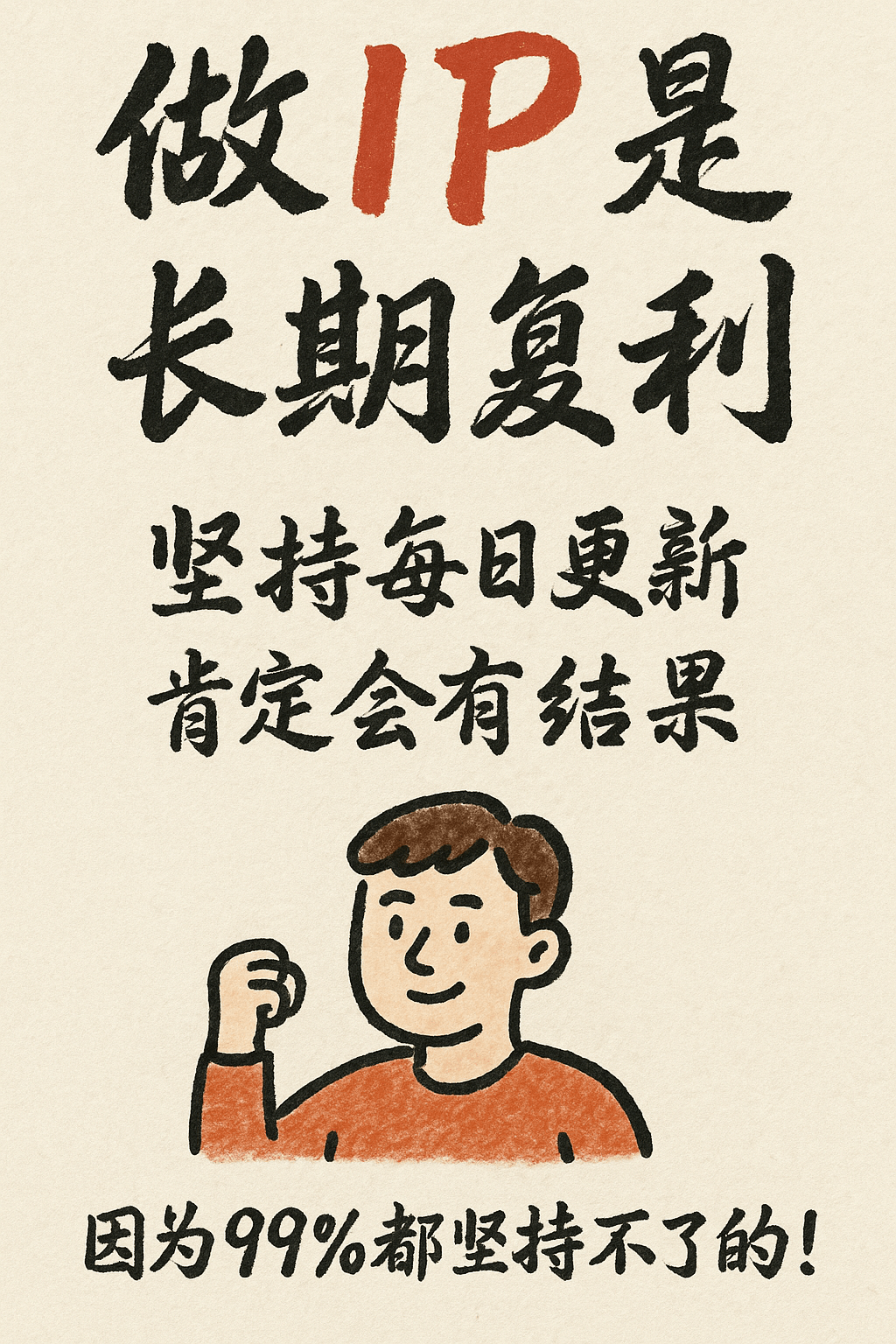
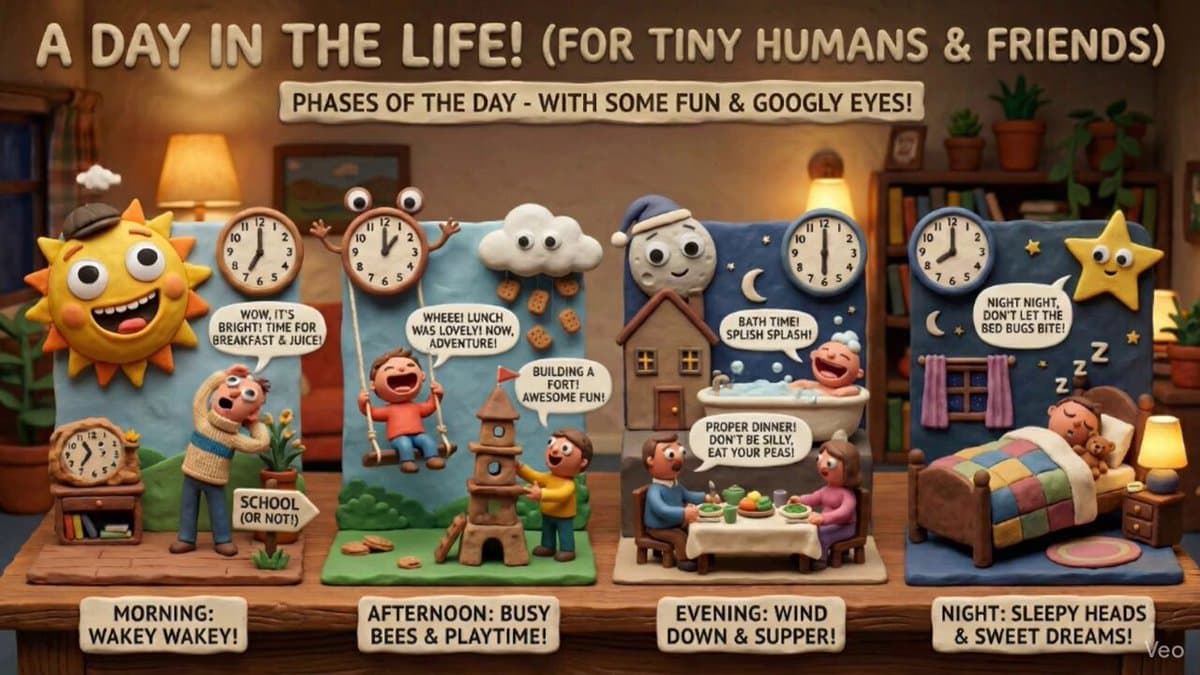
Start by reading the prompt before sending it to the generator. The template is written as a structured creative brief, so the important fields are the subject, scene, composition, material, lighting, and any short copy that should appear in the image. Replace those fields with your inputs. Copy the completed prompt into the generator, or find this template by title in its picker. Select a model and the available output settings before generating.
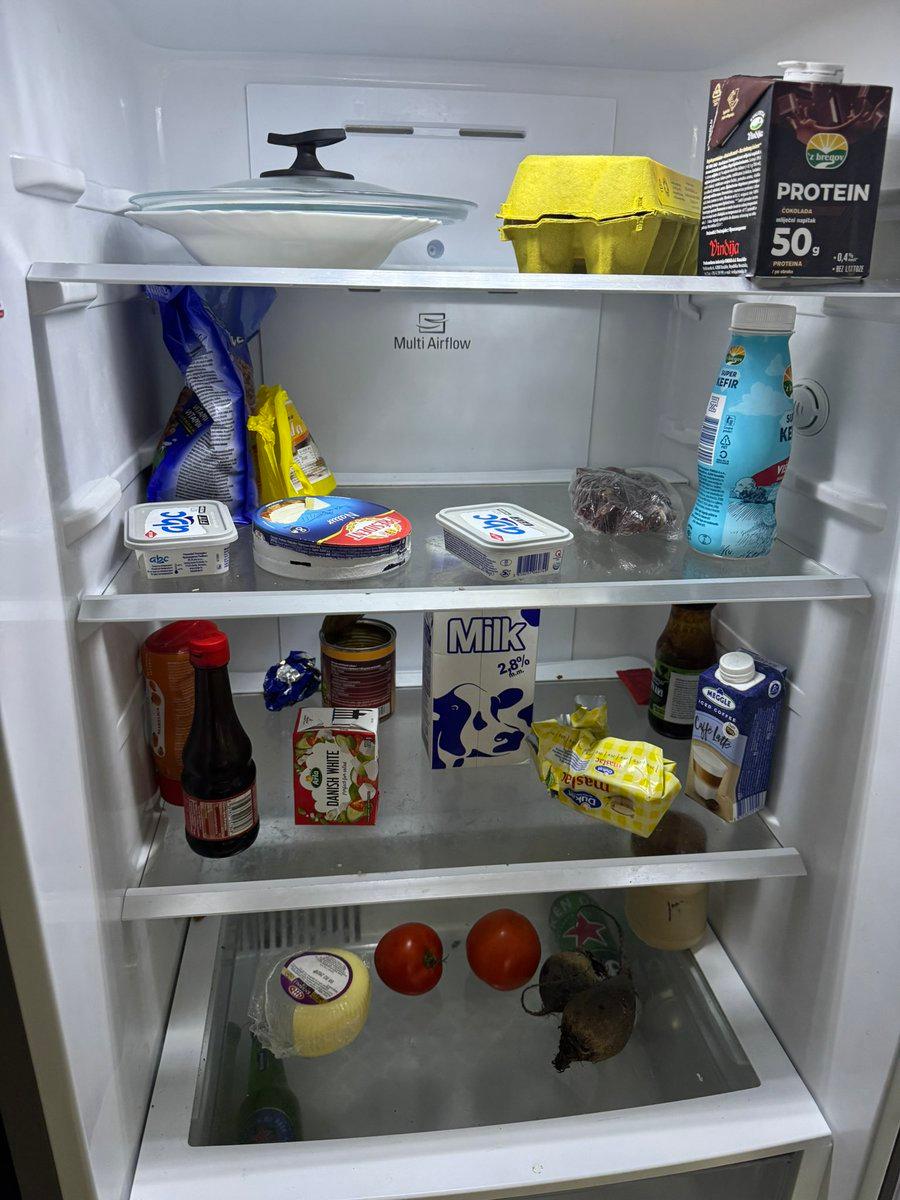
If the template asks for a reference image, use the clearest product or object photo you have and describe what must remain unchanged. For product work, that usually means shape, label placement, material, scale, and the number of items in the frame. For ad creative, it means the real object, the headline, and the visual concept that should guide the layout.
After generation, review the output like a draft. Check for distorted product details, invented claims, unreadable copy, incorrect logos, and mismatched aspect ratio. If the image is close but not usable, adjust one constraint at a time rather than rewriting the whole prompt. Compare each new result against the same brief and reference, and check the displayed credit cost before another attempt.