1. Prepare an authorized portrait
Use your own photo or a consenting adult's portrait with permission to edit it. Keep the face visible and avoid heavy filters. The reference upload limit for Nano Banana Pro is 8 MB.
AI age progression is a creative photo edit that makes a portrait look older or younger from a written instruction. Upload an authorized portrait and select Nano Banana Pro in the existing image generator: a photo edit costs 40 credits at 1K. Describe changes to wrinkles, skin texture and hair while asking to preserve the face. This is an imagined appearance, not an accurate prediction of how someone will age.
Upload only photos you have the right to edit, with consent from anyone pictured. This is an independent website, not affiliated with or endorsed by Google. Do not present an edited portrait as a real photograph or use it for identification, missing-person searches or forensic evidence.
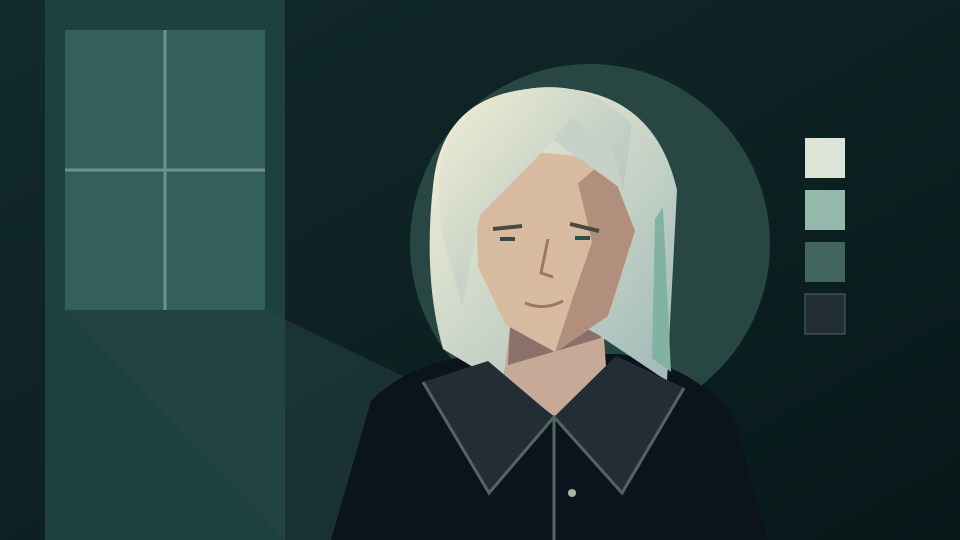
A clear face, even lighting and a simple background make it easier to describe a controlled edit. Ask for age cues explicitly rather than a vague transformation.
Use your own photo or a consenting adult's portrait with permission to edit it. Keep the face visible and avoid heavy filters. The reference upload limit for Nano Banana Pro is 8 MB.
Open the image generator, select Nano Banana Pro, upload the portrait and paste a prompt below. Name the age cues you want and what should stay unchanged. This link does not select a model or prefill a prompt.
Sign in and check your balance and the displayed quote before submitting. A photo edit with this model costs 40 credits at 1K or 60 credits at 4K. Compare the result with the original before downloading; a new submission is another request.
Copy an instruction into the image tool manually. These are prompts to try, not tested output examples or promises of an exact likeness.
Edit my authorized adult portrait into an imagined older version of the same person. Add natural forehead lines, gentle smile lines, realistic mature skin texture and some silver hair. Preserve recognizable facial structure, expression, skin tone, pose, clothing, lighting and background as closely as possible. Avoid caricature and exaggerated wrinkles.
Edit my authorized adult portrait to suggest a younger adult version of the same person. Soften age lines subtly and restore a natural hair color while retaining realistic skin texture. Keep the subject clearly an adult. Preserve facial structure, expression, skin tone, pose, clothing and background as closely as possible. Avoid a beauty filter or a different identity.
Use my authorized portrait as reference. Create a gently aged adult appearance with fine lines around the eyes and mouth and subtle mature skin texture. Keep the current hairstyle and hair color, facial proportions, expression, glasses, clothing and background. Treat this as a creative illustration of aging, not a prediction.
An image model does not know a person’s future health, genetics or life history. Apparent age and likeness are subjective; the output cannot establish identity or a real age.
Look for changes to the eyes, nose, mouth, ears, teeth and glasses. Reject an edit that replaces the person or changes features you asked to preserve.
Reuse the original portrait when exploring another look. Adjust a specific cue, such as softer lines or less gray hair, rather than repeatedly editing an already changed face. Review the quote before submitting again.
Tell viewers the portrait is AI edited. Use it for a creative portrait or fictional story reference, never as proof of future appearance, an age assessment or a search image for a missing person.
Turn an authorized portrait into an imagined boxed toy image.
Describe a haircut or hair-color edit for your portrait.
Change a scene while asking to preserve the subject.
Explore a fictional character with poses and appearance notes.
Review plans and check the quote before generating.
Read the terms for authorized uploads and generated content.
Yes. Select Nano Banana Pro in the image generator, upload an authorized portrait and describe the older or younger adult appearance you want. Use the prompts above as a starting point and inspect the generated face.
No. The result is an imagined image edit, not a prediction. The model does not know your future health, genetics or life history, and recognizable facial details can change.
No free generation is promised by this guide. A Nano Banana Pro photo edit costs 40 credits at 1K or 60 credits at 4K. Sign in to check your balance and the displayed quote before submitting.
No. It opens the existing image generator; it does not prefill a prompt, select a model or submit a job. Add your reference and instruction manually, then check the quote.
No. This creative editing workflow cannot establish identity, determine a real age or supply reliable forensic or missing-person imagery.
Yes, with their consent and the rights needed to upload and edit the photo. Use an authorized non-celebrity portrait and label shared results as AI edited; do not impersonate the person.