1. Prepare an authorized photo
Choose a JPEG, PNG or WebP photo up to 30 MB for GPT image 2. Get consent from identifiable people. A clear face, uncluttered background and even light give you details to compare after the edit.
Photo to anime turns an authorized photograph into an anime-style image using a reference photo and a written edit instruction. A GPT image 2 reference edit costs 15 credits in the existing image tool. Upload your photo and describe clean linework, cel shading and the features to preserve. This guide supplies prompts and manual setup, not an automatic filter or a promise of exact likeness.
Upload only photos you have the rights to edit, with consent from anyone pictured. This independent website is not affiliated with or endorsed by model vendors or animation studios. Use original visual directions and do not present the result as an unaltered photo.
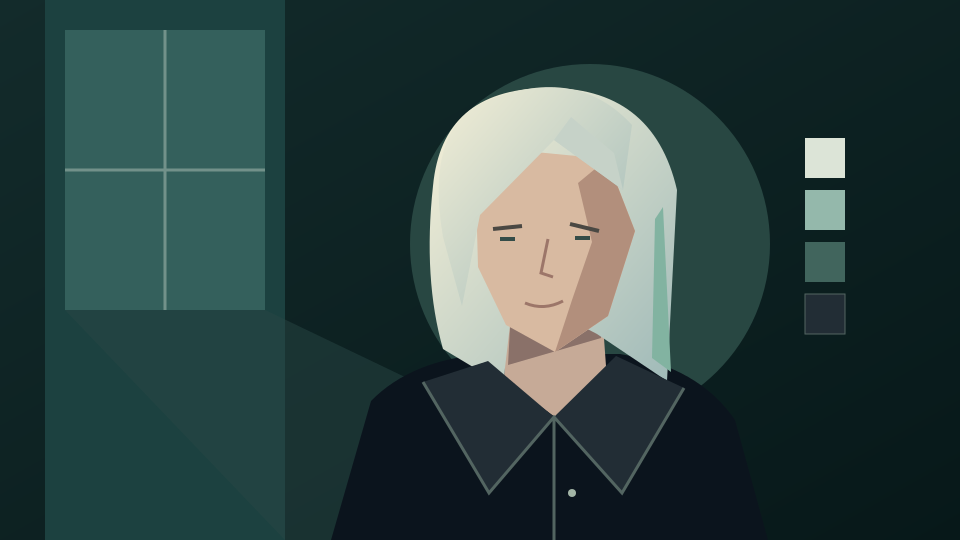
Use a clear photo where the face and pose are visible. Describe the drawing style and what should remain recognizable instead of naming an animation studio or copying a character.
Choose a JPEG, PNG or WebP photo up to 30 MB for GPT image 2. Get consent from identifiable people. A clear face, uncluttered background and even light give you details to compare after the edit.
Open the generator, choose GPT image 2, upload the photo and paste an adapted prompt. Describe clean outlines, flat color shapes and cel shading. Name the face, hairstyle, clothing and pose you want to retain. The link does not prefill a prompt or choose the model.
Sign in and check the displayed quote; a reference edit with GPT image 2 costs 15 credits. After generation, compare the face, hands, glasses and outfit with the original. Download only after review, and check the quote again before any new attempt.
Copy and adapt an original prompt below. These are instructions rather than tested outputs; visual likeness and faithful accessories need review.
Use my authorized portrait as the reference. Reinterpret it as an original anime-style portrait with clean ink outlines, flat color areas and restrained cel shading. Preserve my facial proportions, hairstyle, expression, clothing and framing as closely as possible. Keep the background simple. No studio logos, recognizable franchise characters or text.
Convert my authorized photo into an original anime-style illustration with warm afternoon light, clear linework and gentle cel shading. Preserve the person’s face, outfit, pose and scene arrangement. Keep objects recognizable and avoid extra fingers or invented accessories. No copied character costume, signature or logo.
Reinterpret my uploaded portrait as an original anime-style image. Keep the shape and position of my glasses, hair part, clothing colors, expression and pose. Use simple shaded color blocks and crisp outlines without exaggerating eye size or changing facial proportions. Keep the original background layout. No text or brand marks.
An anime-style edit redraws the image and can change facial features, proportions and small objects. Asking to preserve them guides the model but does not lock the original pixels.
Check eye direction, expression, jaw shape and hairline against the source. If the face changed too much, describe the specific correction and reuse the authorized original when setting up another request.
Look for extra fingers, distorted glasses, mismatched earrings and altered clothing. Reject misleading details rather than sharing the draft as a faithful representation of the person.
The linked character board and descriptive style guides offer different lighting, clothing and composition prompts. Keep your subject original and review the rights boundaries on those pages before adapting a style.
Explore a reference-led character composition template with different lighting and poses.
Explore a descriptive urban illustration workflow and its rights boundaries.
Explore a descriptive portrait direction with pale hair and cool lighting.
Turn an original character idea or your own photo into a cute chibi design.
Review GPT image 2, the model used for this guide's workflow and quotes.
Check credit options before submitting a generation request.
Read the terms for your uploads and generated images.
Yes. Upload an authorized photo, choose GPT image 2 and describe the linework, shading and features to preserve. Review the quote and generate only when you are ready.
No. The model redraws the reference and can alter facial proportions, expression and accessories. Ask to preserve your features, then compare the output with the original before sharing.
Yes, with their consent and the rights needed to upload and edit the photo. Do not use an edited portrait to impersonate someone or imply they approved an image they have not reviewed.
Yes. The existing generator also supports text-to-image with GPT image 2 for 10 credits. Describe an original character from text; without a reference, this is a new illustration rather than a conversion of your photo.
No free generation is promised by this guide. With GPT image 2, text generation costs 10 credits and a reference edit costs 15 credits. Sign in and check your balance and the displayed quote before submitting. Each retry is a new request.
No. It opens the existing image generator and does not prefill a prompt, select a model or submit a job. Copy a prompt, choose the model and add any reference yourself before checking the quote.