GPT Image 2 for Fast AI Image Creation
Generate and refine images with a flexible GPT image workflow for creative production.
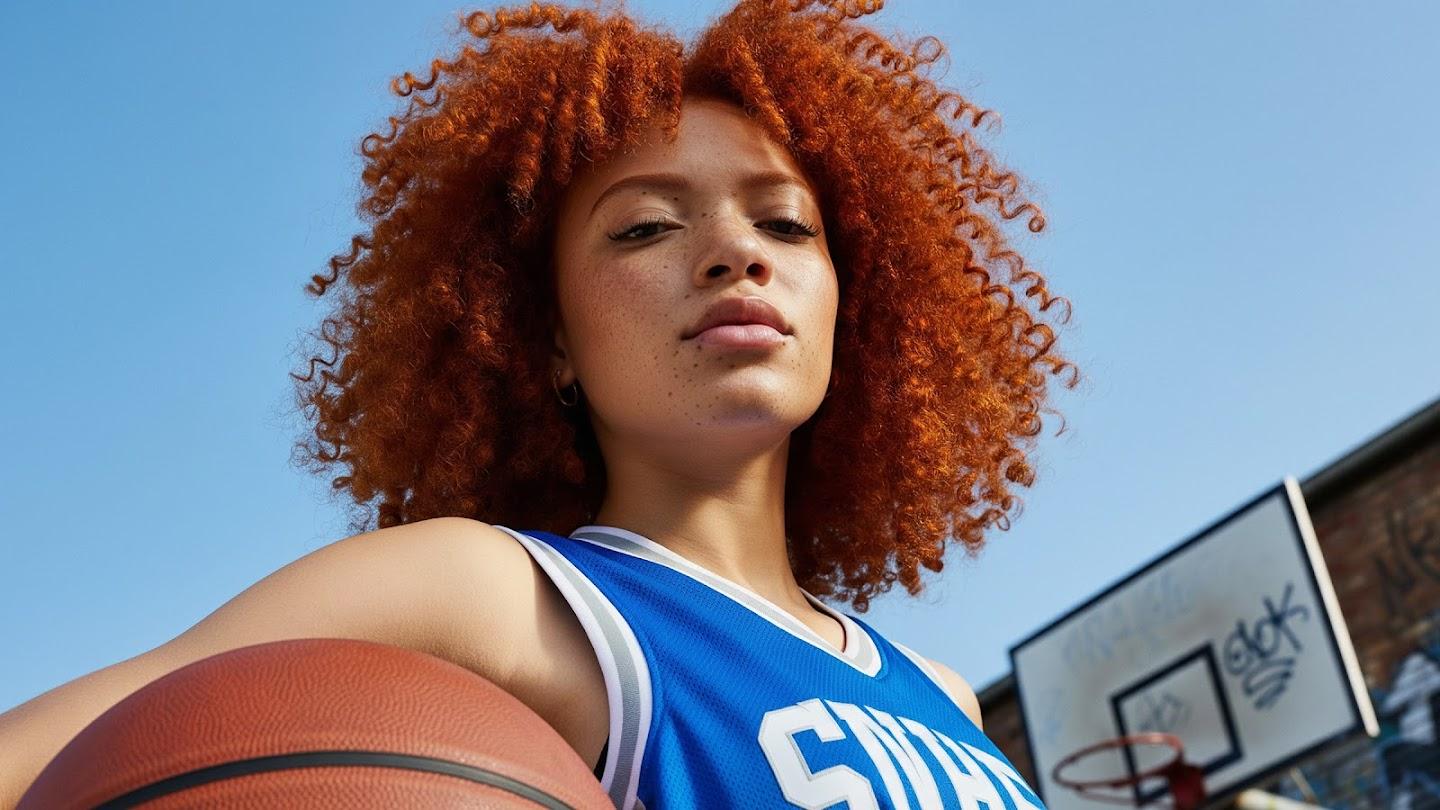
Try It Now
Experience the power of AI generation
Technical Specifications
Key Features & Capabilities
Text-to-image and image-to-image workflows
Six practical aspect ratios including auto
Fast creative drafting for visual concepts
Supports uploaded reference images
Lower starting credit cost than premium image models
Examples
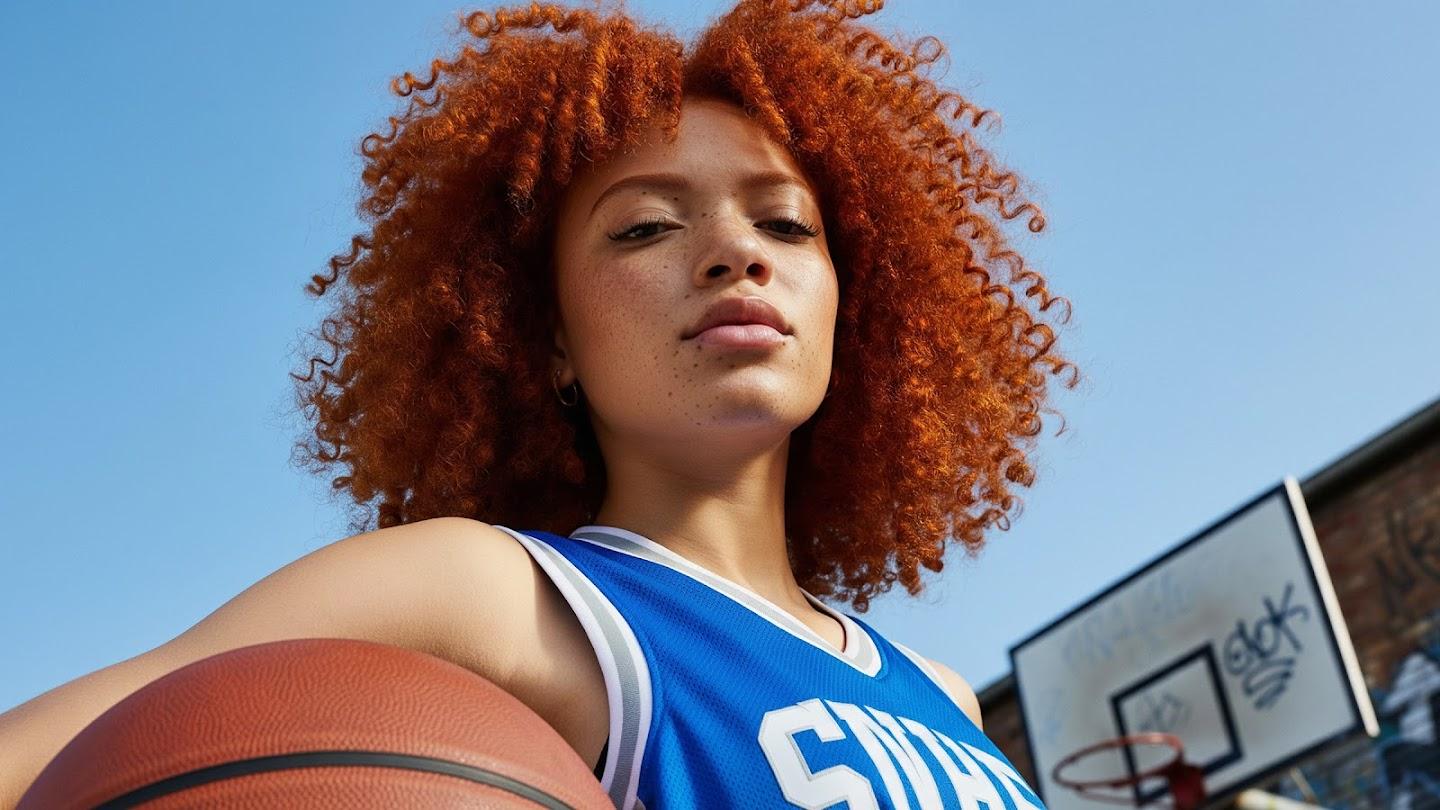
Editorial product photo of a ceramic mug on a walnut desk, soft morning light, natural shadows, clean background.
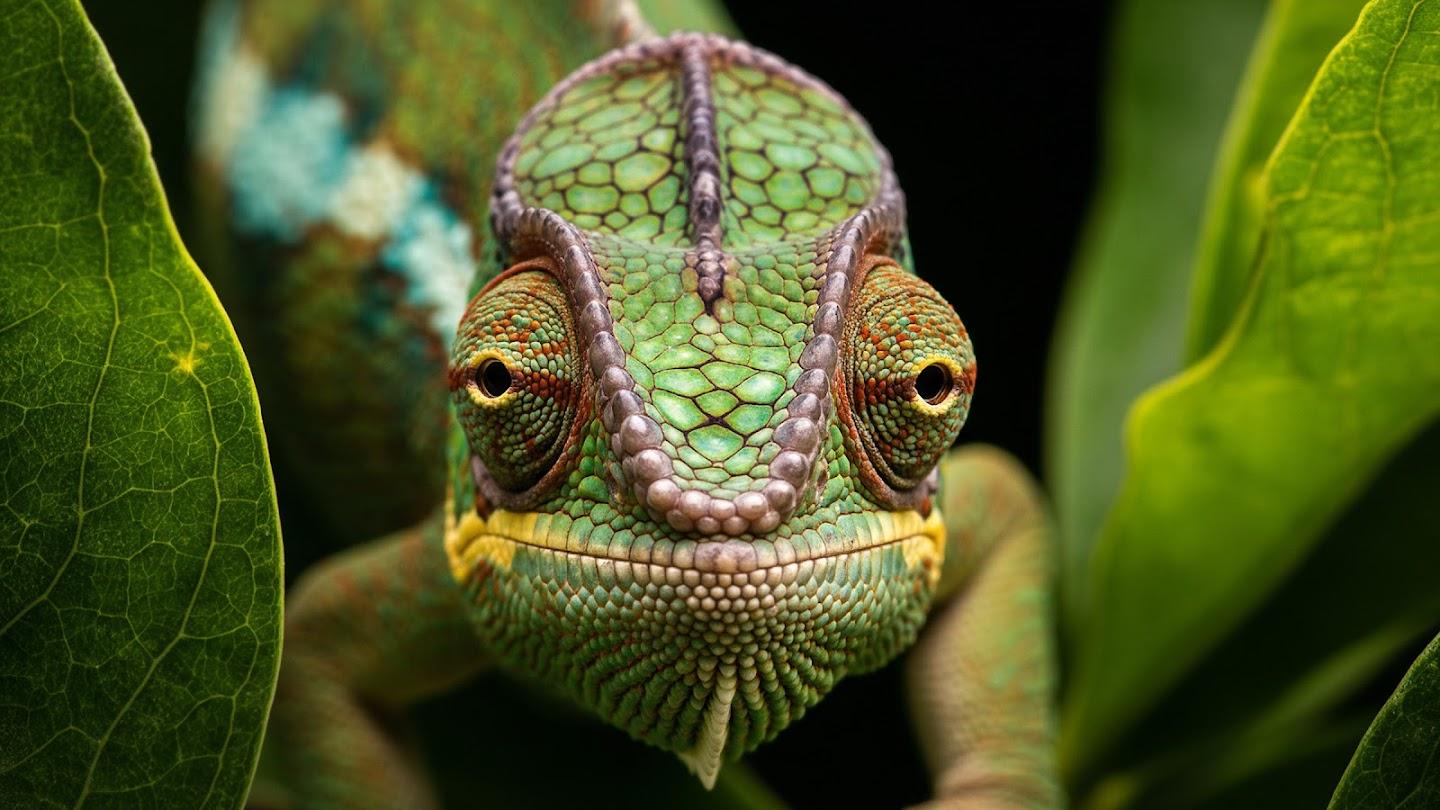
Minimal app icon set for a productivity tool, rounded shapes, high contrast, modern visual system.
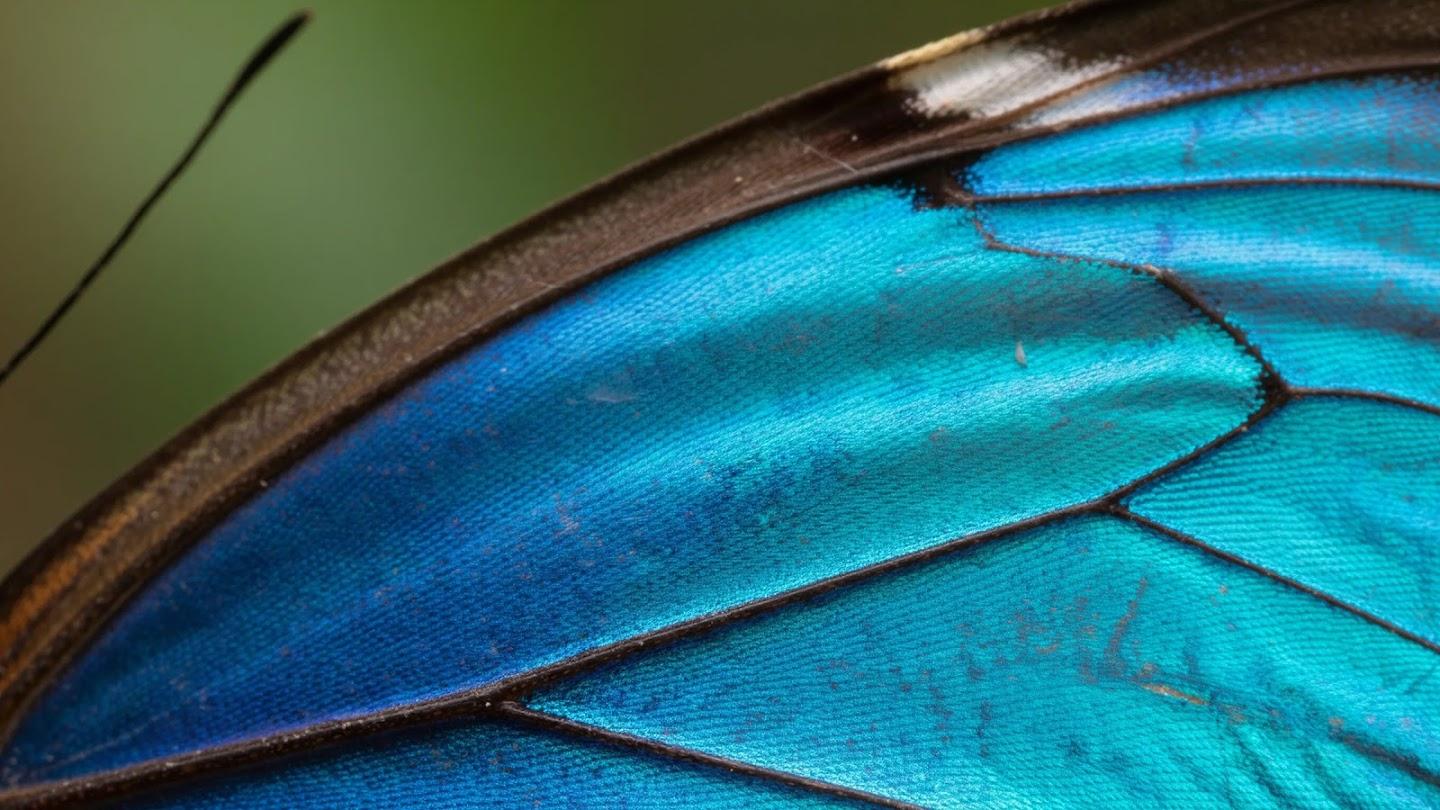
Bright fashion campaign concept with a studio backdrop, cinematic lighting, refined color palette.
How to Use
Choose GPT Image 2
Open the generator on this page with GPT Image 2 selected.
Write the prompt
Describe the subject, style, composition, and important visual constraints.
Select image settings
Pick the supported aspect ratio and upload a reference image when needed.
Generate and review
Submit the job, preview the result, and download the final image.
FAQ
Yes. You can upload a reference image and use a prompt to guide the result.
GPT Image 2 supports auto, 1:1, 9:16, 16:9, 4:3, and 3:4.
Text-to-image starts at 10 credits, and image-to-image starts at 15 credits.
Ready to Create?
Start generating amazing content with our AI models today