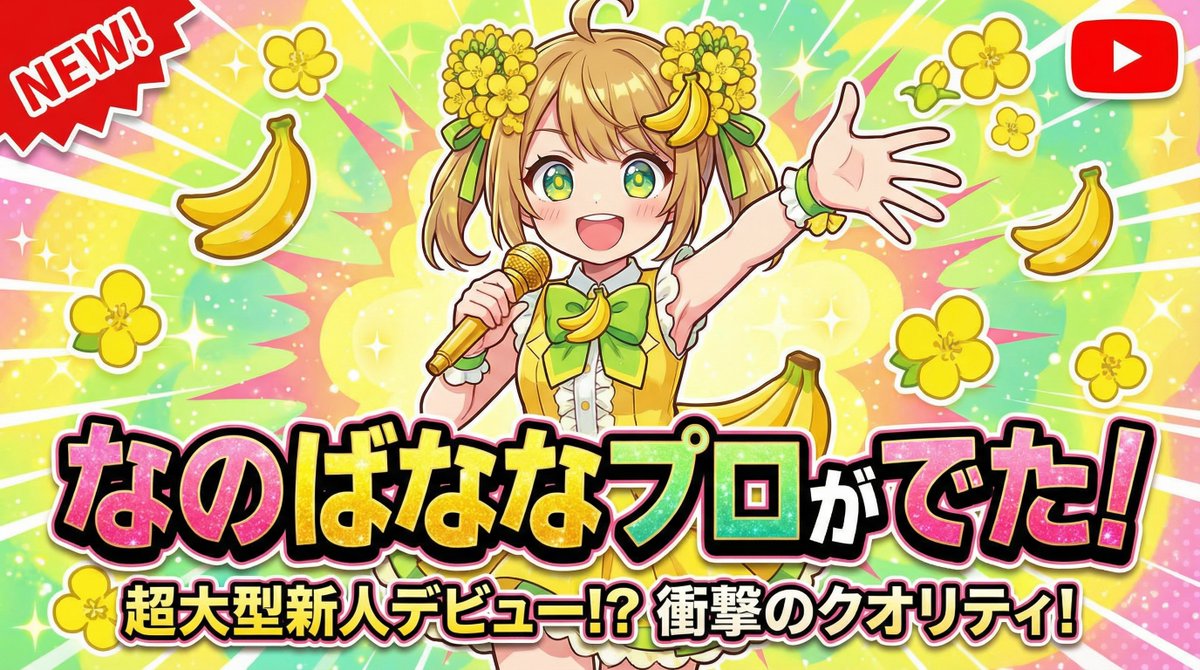
Image to Image AI の英語プロンプト 16 件を 5 グループに分類したライブラリです。各項目に投稿元の作例、モデル、生成費用、取得可能な投稿日を表示します。Nano Banana Pro は Google の画像モデルです。当サイトは独立したプラットフォームで、Google とは提携していません。
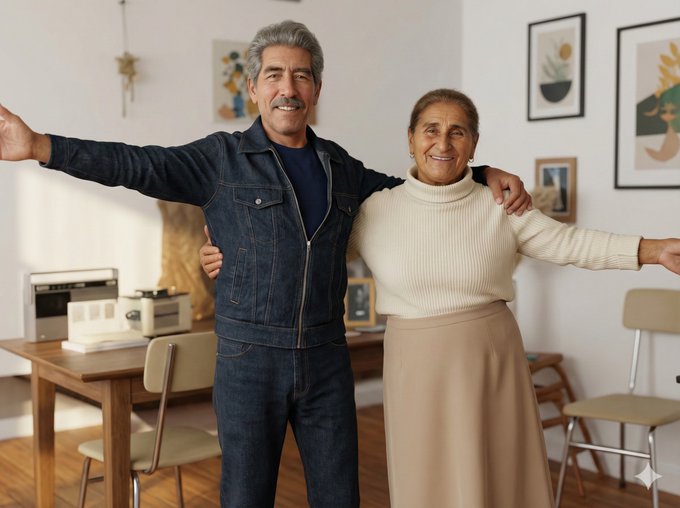
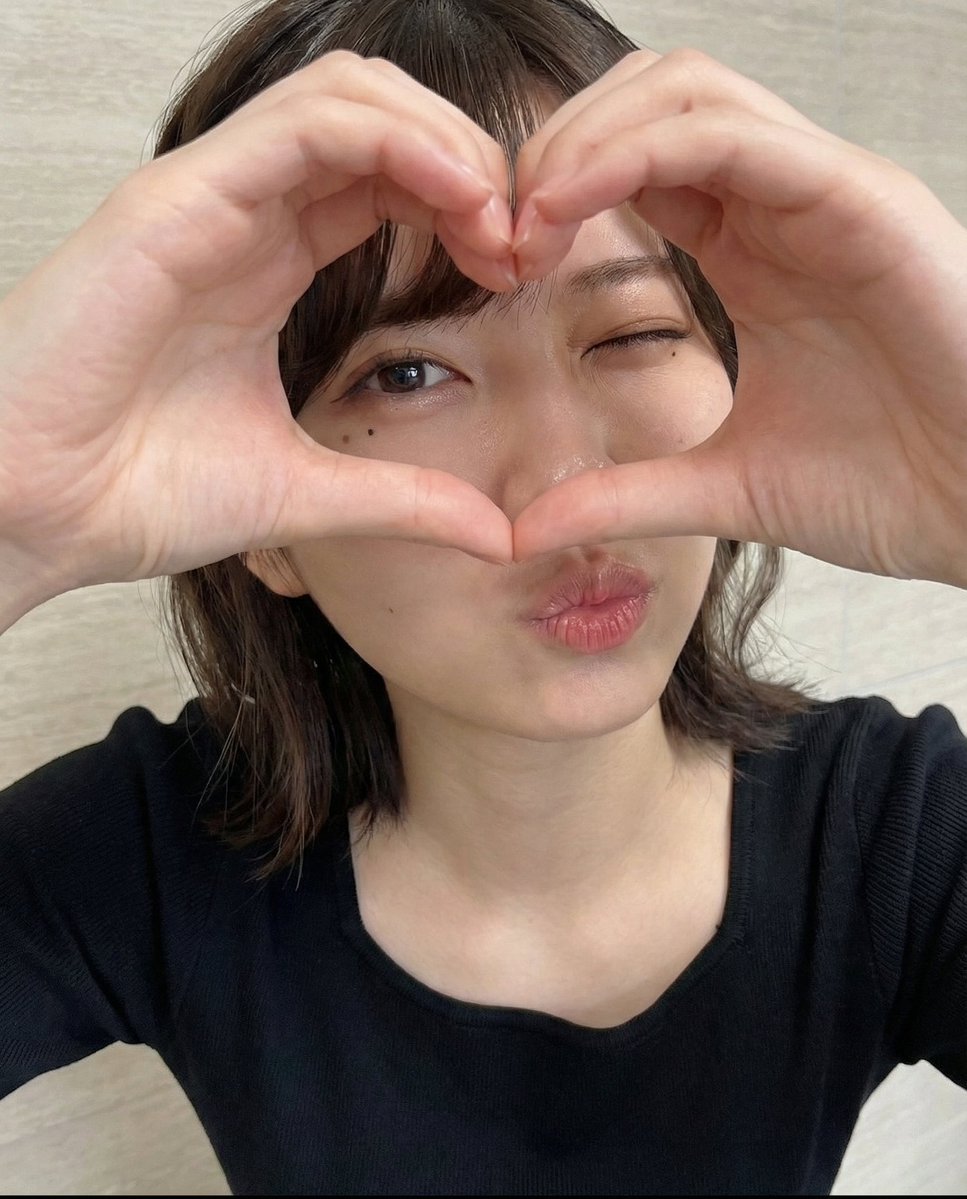
Transform the image into a modern, high-quality digital portrait with vibrant updated colors, smooth and realistic skin textures, and natural lighting. Upgrade the outfit and background into a clean, modern aesthetic while preserving the authenticity of the original pose and expression.
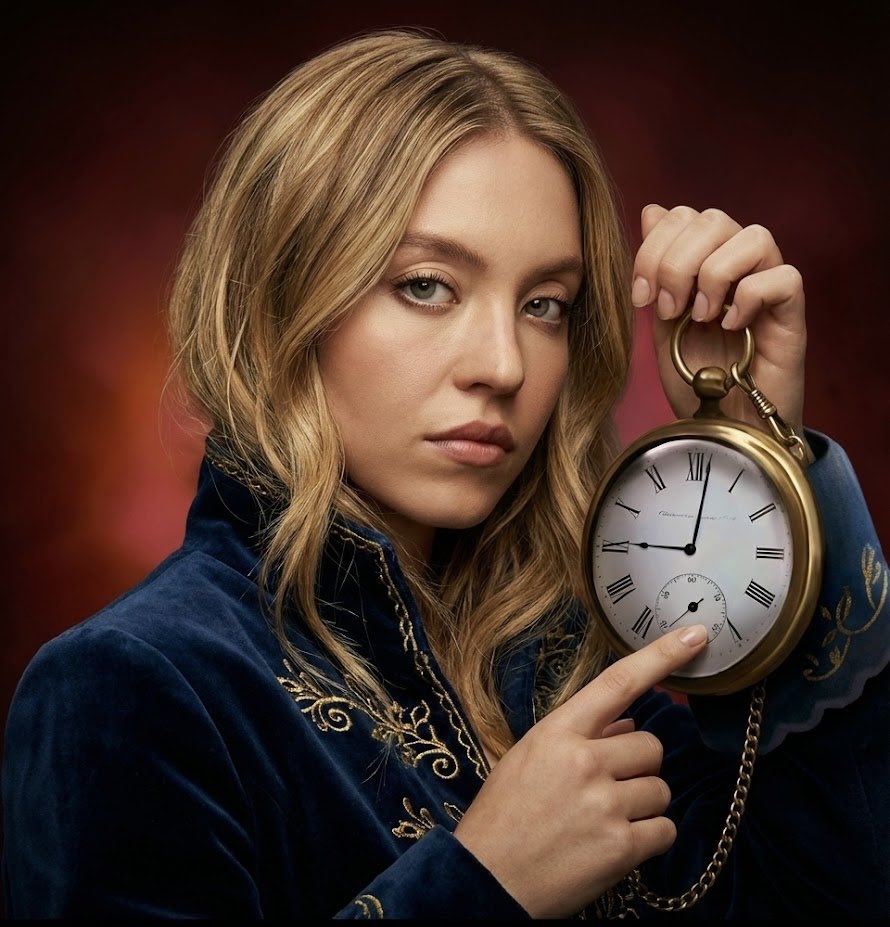
{
  "project_constraints": {
    "style": "strict photorealism only, no cartoon, no illustration, no stylization",
    "face_preservation": "100% original human face from reference, no changes to identity, expression, or texture",
    "hand_integrity": "hands must be anatomically correct, with the correct number of fingers, natural poses, and no distortions
  }
}
"The Saint and the Demon"

Saint: fantasy saint, cel-shaded yet cinematic, salvation, bust-up framing, loving kindness

Demon: social game-style rendering, cinematic, demonic transformation, temptation, bust-up framing, red light
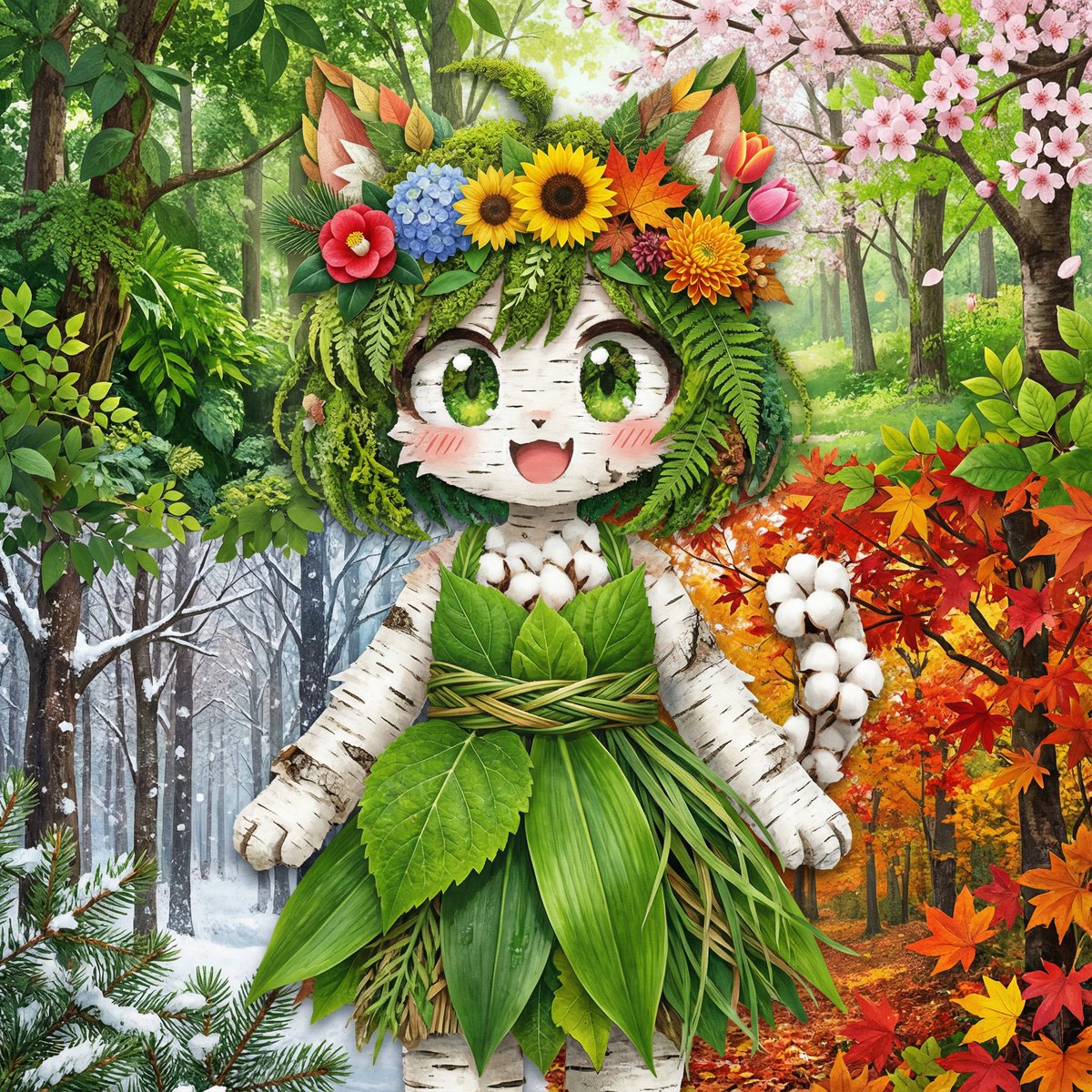
Recreate a character as a collage using photos of plants and foliage. The background should be forest photos for each season, arranged from the top right to the bottom left as spring, summer, autumn, and winter. The flower crown should be reinterpreted and replaced using flowers from all four seasons. Do not keep any outline of the character; every part of the character must be expressed entirely using plants and foliage.
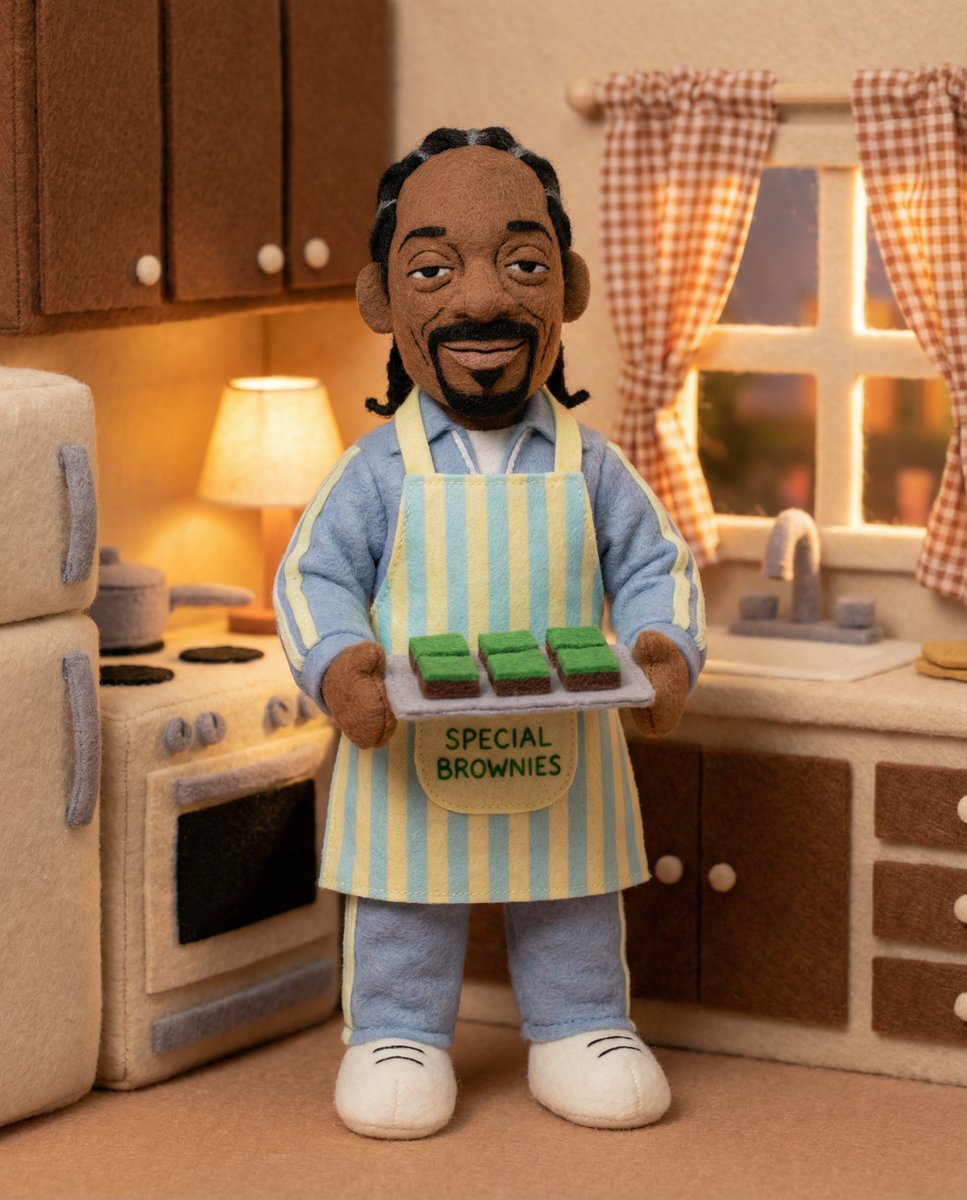
Full body [Subject] toy, [attributes/accessories], [expression], made of felt, in a [place], [lighting], friendly and cartoonish appearance, rich and soft textures
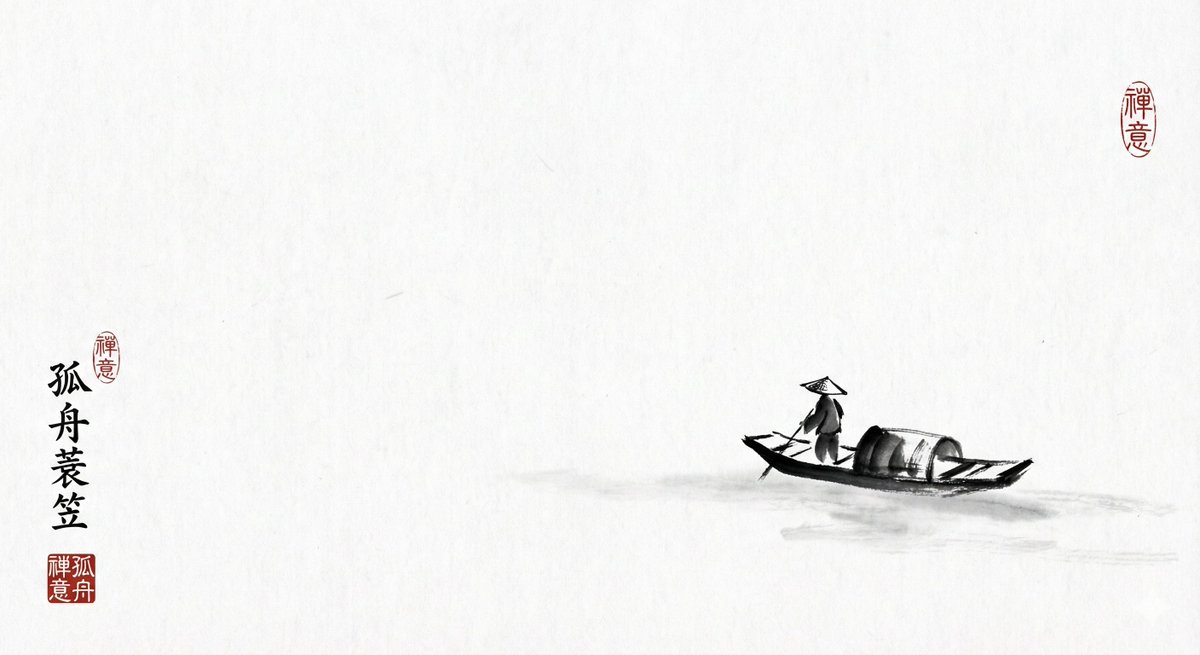
Black-and-white ink painting style, with poetic use of blank space, featuring a lone fisherman on a small boat, minimalist lines, xuan paper texture, a red seal stamp as an accent, and a sense of Eastern philosophy.
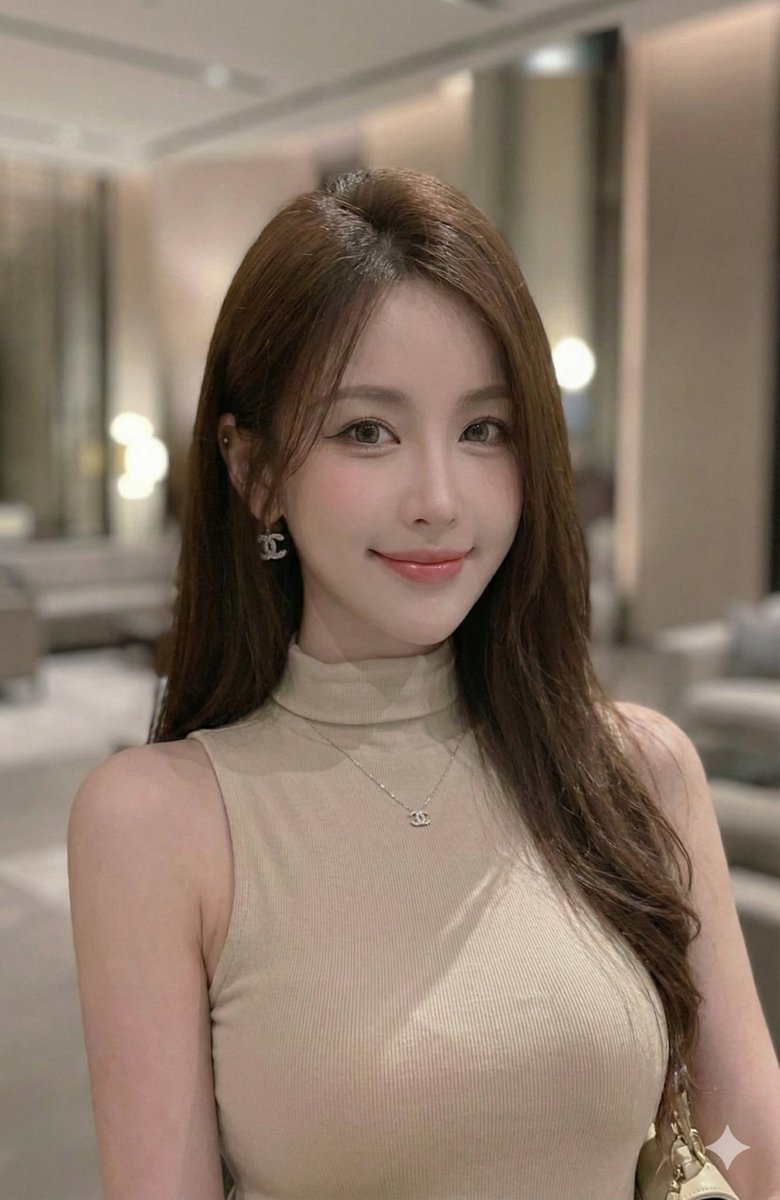
Analyze the entire composition of the input image. Identify all key subjects present (whether a single person, a group/couple, a vehicle, or a specific object) along with their spatial relationships and interactions.
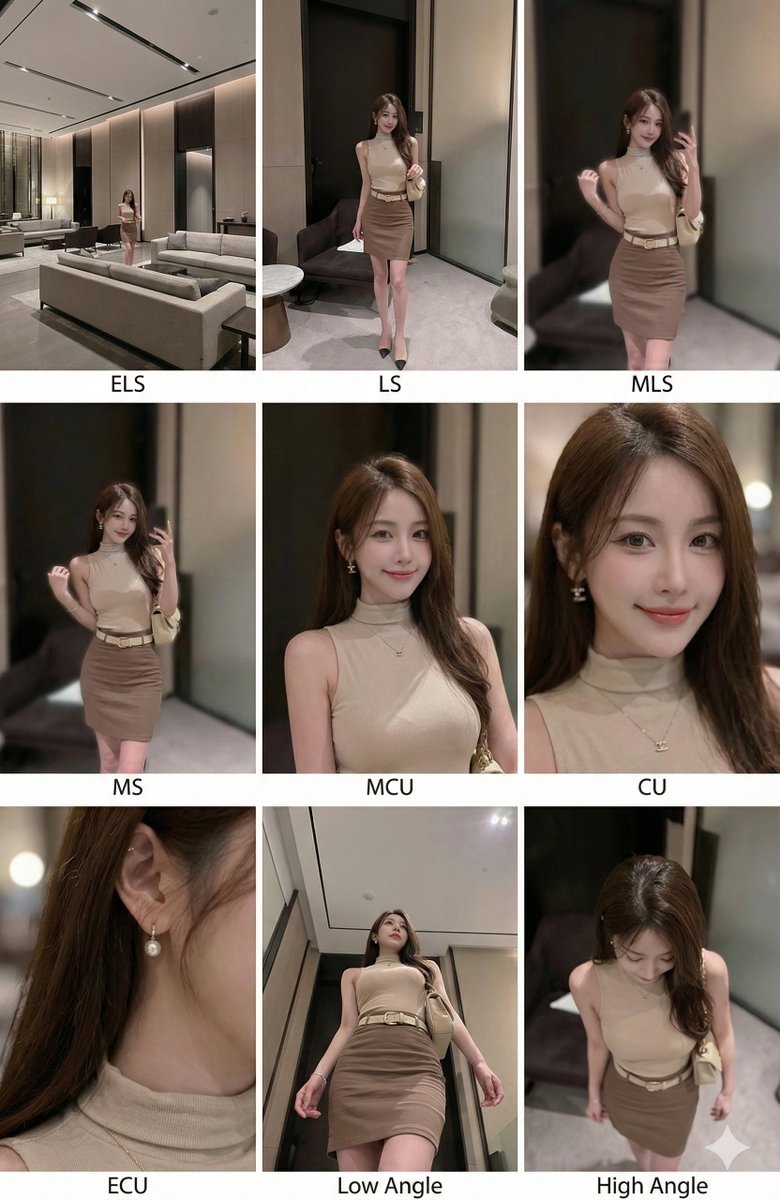
Generate a coherent 3x3 “contact sheet” grid that shows 9 different shots of these subjects in the same environment.
You must adapt standard cinematic shot types to fit the content (for example, keep the group together if it’s a group; include the whole object if it’s an object):
Row 1 (Establishing the environment):
Extreme Long Shot (ELS): The subject appears small within a vast environment.
Long Shot (LS): The subject or group is fully visible from top to bottom (head to toe / wheels to roof).
Medium Long Shot (American shot / three-quarter): Framed from above the knees for people, or a 3/4 view for objects.
Row 2 (Core coverage):
4. Medium Shot (MS): Framed from the waist up (or the central core of an object), focusing on interaction/action.
5. Medium Close-Up (MCU): Framed from the chest up. An intimate framing of the main subject.
6. Close-Up (CU): Tight framing on the face or the “front” of the object.
Row 3 (Details and angles):
7. Extreme Close-Up (ECU): Strong focus on micro details of key features (eyes, hands, logos, textures).
8. Low Angle Shot (worm’s-eye view): Looking up at the subject from the ground (dramatic/heroic feel).
9. High Angle Shot (bird’s-eye view): Looking down on the subject from above.
Ensure strict consistency: across all 9 panels, the same person/object, same clothing, and same lighting. Depth of field should vary realistically (with background blur in close-ups).

A professional 3x3 cinematic storyboard grid with 9 panels.
The grid presents the specific subject/scene from the input image across a full range of focal lengths.
Top row: wide environmental shot, full view, 3/4 crop (above the knees).
Middle row: waist-up view, chest-up view, face/front close-up.
Bottom row: macro details, low angle, high angle.
All frames must have photorealistic textures, consistent cinematic color grading, and correct composition for the number and type of subjects or objects analyzed.
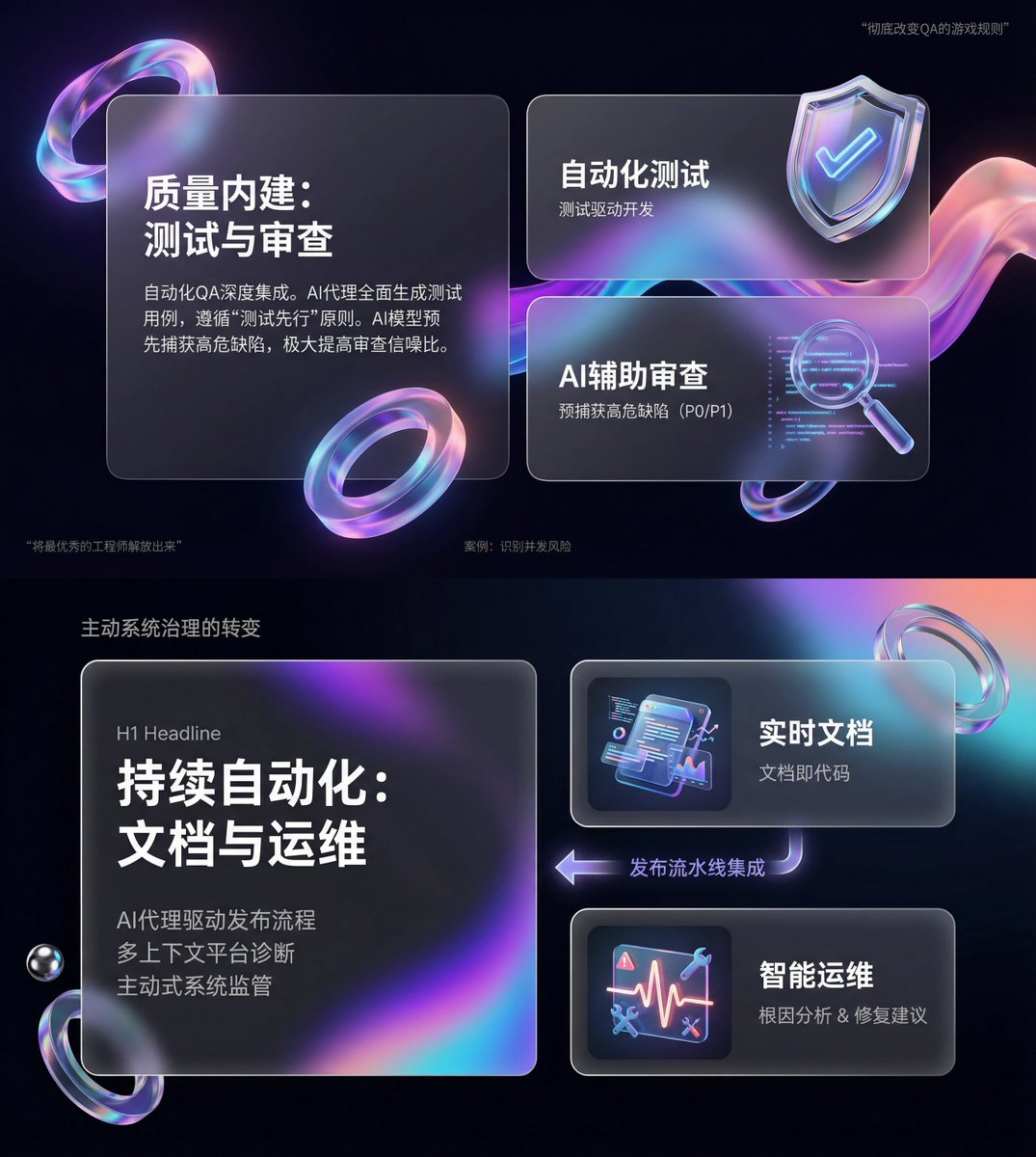
You are an expert-level UI/UX presentation designer. Generate high-fidelity, futuristic 16:9 presentation slides. Based on principles of visual balance and aesthetics, automatically choose the most perfect composition among a cover, grid layout, or data visualization.

For the global visual language, the style should seamlessly blend Apple Keynote minimalism, modern SaaS product design, and glassmorphism. The overall mood should feel high-end, immersive, clean, and breathable. Use cinematic volumetric lighting, soft ray-traced reflections, and ambient occlusion. The color scheme should use deep void black or pure ceramic white as the foundation, accented with flowing aurora gradients such as neon purple, electric blue, soft coral orange, cyan for the background and UI highlights.

For the content modules in the visuals, intelligently integrate the following elements:

1. Use a bento-box grid system as the layout engine, organizing content into modular rounded-rectangle containers. The containers must have a frosted glass material with blur, delicate white borders, and soft shadows, and they must preserve large internal whitespace to avoid crowding.

2. Insert 3D objects with a luxurious gift-like texture, rendering unique high-end abstract 3D pieces as visual anchors. Their appearance should resemble expensive physical gifts or collectibles, with materials such as polished metal, iridescent acrylic, transparent glass, or soft silicone, and shapes such as floating capsules, spheres, shields, Möbius strips, or fluid waves.

3. For typography and data, use clean sans-serif fonts with high contrast. If there are charts, use glowing 3D donut charts, capsule-shaped progress bars, or floating digits, and make the charts look like glowing neon toys.

Composition logic reference: If generating a cover slide, place a huge, complex 3D glass object in the center, overlay bold large text, and extend aurora waves in the background. If generating a content slide, use a bento grid layout, placing 3D icons in small cards and text in large cards. If generating a data slide, use a split-screen layout: text arranged on the left, and a huge floating glowing 3D data visualization chart on the right.

Rendering requirements: Unreal Engine 5 rendering, 8K resolution, ultra-detailed textures, strong UI design sense, UX interface quality, trending on Dribbble, award-winning design work.
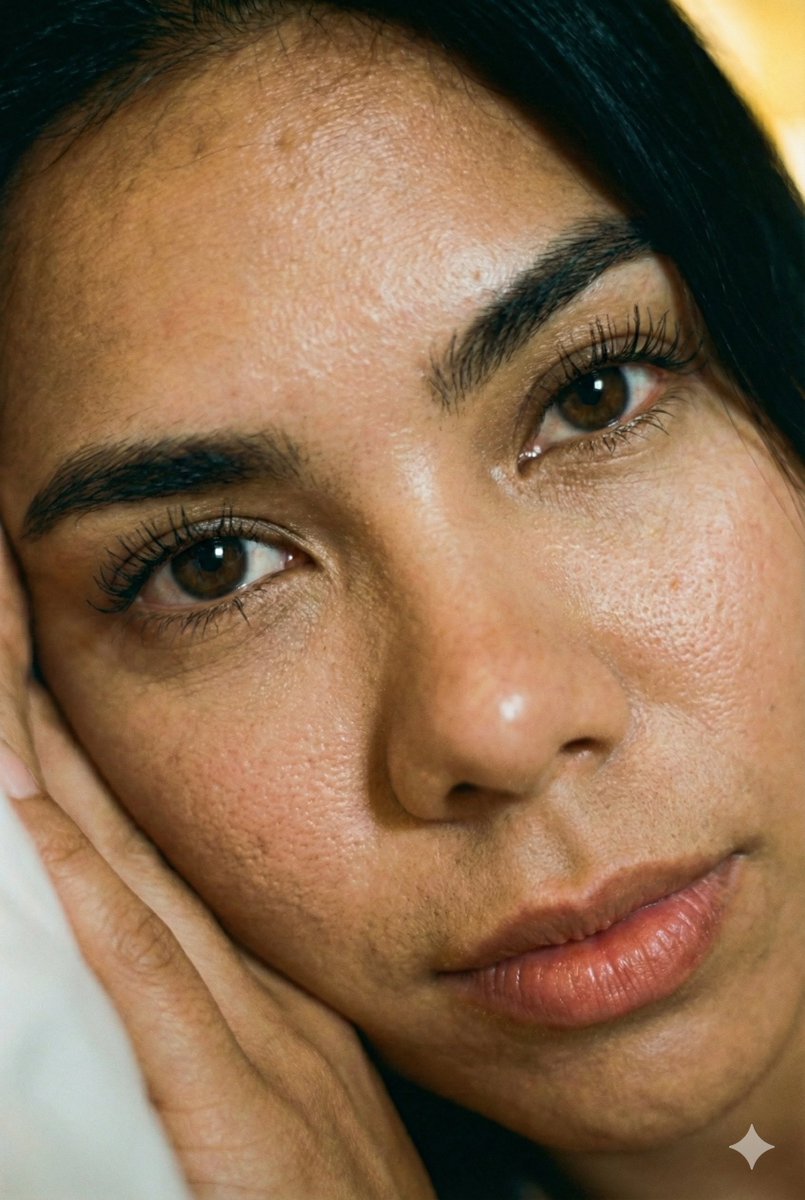
First: create an image of a person, adding the instruction: "Their skin has pores and details."

Second: then apply the following prompt to the generated result: "Zoom into the face in close-up.".
Completely reproduce the uploaded person.
Make it a header image for a Note article where that person introduces "Nano Banana Pro."
Aspect ratio 16:9, horizontal.
Style and colors: simple, hand-drawn look, italic, blue and green gradient.
Title: In-depth guide to Google's new AI: Nano Banana Pro.
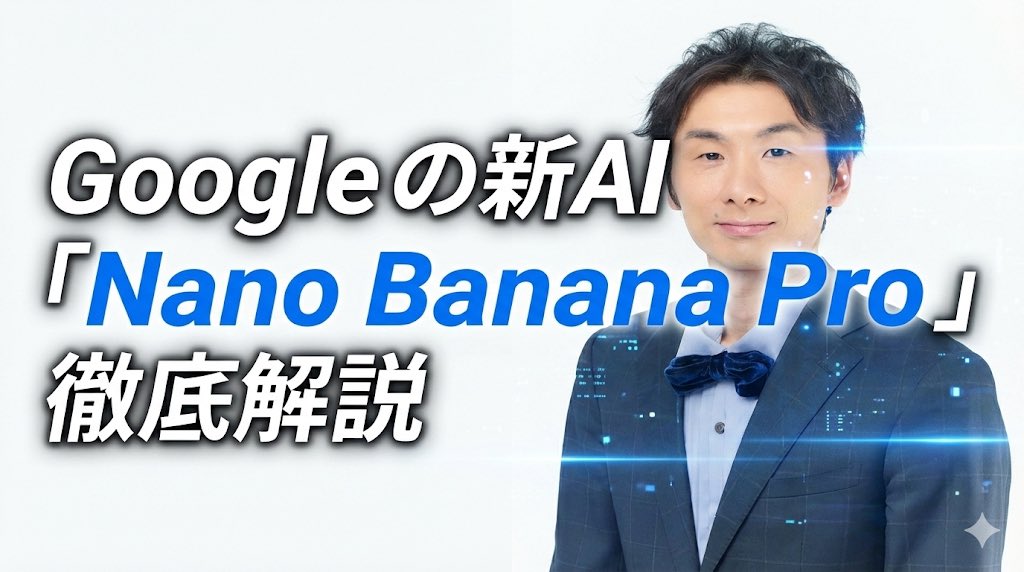
Fully recreate the uploaded person.
Create a note article header image where that person is introducing “Nano Banana Pro.”
Use a 16:9 horizontal size.
Style and colors: simple, italic, white and blue.
Title: “In-depth guide to Google’s new AI ‘Nano Banana Pro’”.
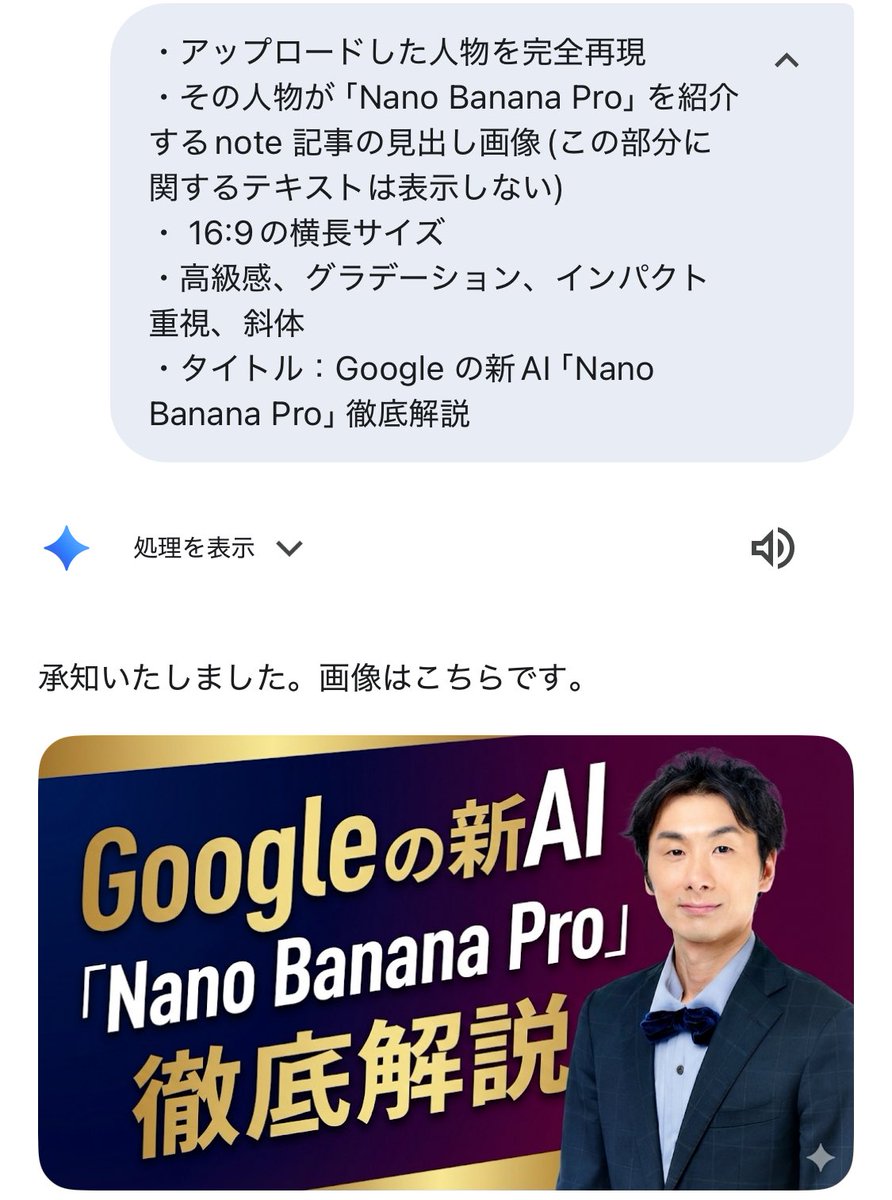
Fully recreate the uploaded person.
Create a note article header image where that person is introducing “Nano Banana Pro” (do not display text about this part itself).
Use a 16:9 horizontal size.
Emphasize a luxurious feel, gradients, and impact, with italic styling.
Title: “In-depth guide to Google’s new AI ‘Nano Banana Pro’”.
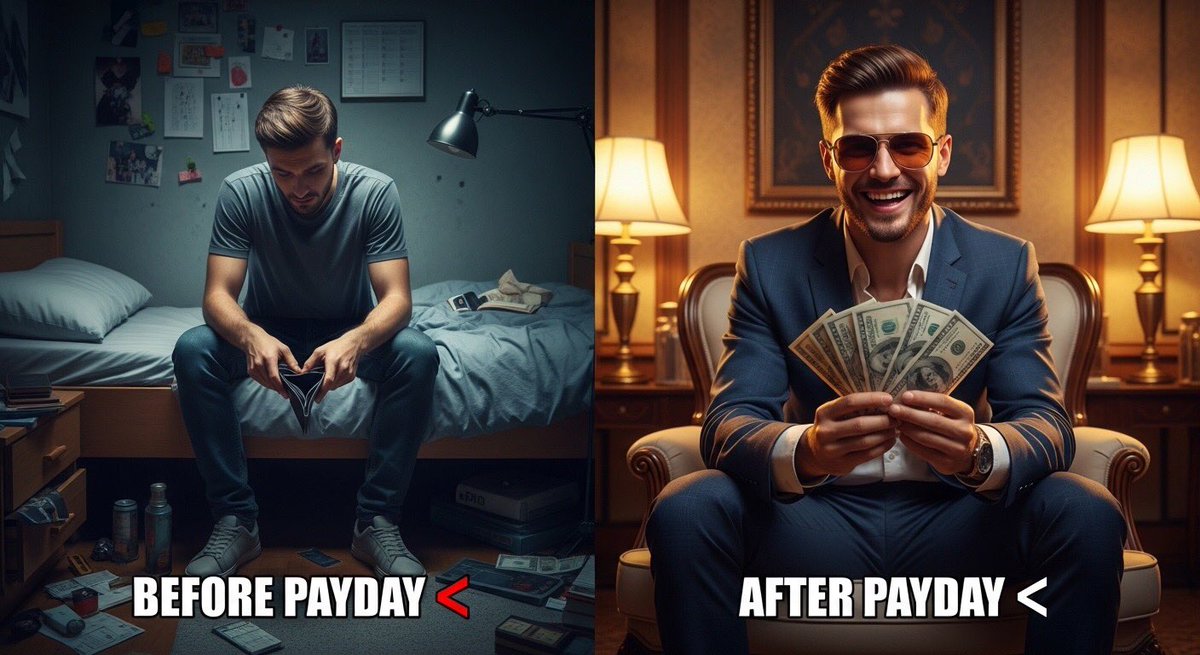
Ultra-realistic split scene of a young man. Left side: sitting on a bed in a small messy room, tired face, empty wallet, dim lighting, depressed mood. Right side: same man after payday, wearing stylish clothes and sunglasses, holding cash, confident smile, bright lighting, luxury background. Add bold meme text: “Before Payday ” and “After Payday ”. Cinematic lighting, 8K realism, sharp details, viral social media style.