Best fit
Educators, product marketers, and content teams turning outlines, comparisons, recipes, or explainer notes into a first-pass infographic visual.
Prompt templates for infographic cards, bento grids, educational diagrams, comparison visuals, and knowledge explainers that turn structured notes into image drafts.
Educators, product marketers, and content teams turning outlines, comparisons, recipes, or explainer notes into a first-pass infographic visual.
A concise topic, 3 to 7 facts, a preferred layout such as bento or mind map, and any terms that must remain accurate in the final review.
A good infographic prompt names the topic, the layout, the color palette, and the exact words for every section, so the model does not invent labels. Copy this example and swap in your own topic, headings, and colors: "Create a vertical 3:4 bento grid infographic titled 'How Solar Panels Work'. Use 5 tiles with these headings: 'Sunlight In', 'Cells Make DC', 'Inverter to AC', 'Powers Your Home', 'Extra to the Grid'. Under each heading add one line of up to 8 words and a simple flat icon. Navy background, warm yellow accents, white text. Large bold title at the top, medium tile headings, small body text, generous spacing, no other text."
Keep every label short: a title under 6 words, section headings of 2 to 4 words, and body lines under 10 words. Put the exact words in quotes so the model copies them instead of making them up. State the text hierarchy (large title, medium headings, small body text) and ask for high contrast, such as dark text on a light background. Limit the layout to 3 to 6 sections, use a portrait or square ratio with room to breathe, and end with "no other text". Then zoom in and regenerate any label that comes out misspelled.
Yes. First cut the notes or article down to a title and 3 to 7 key points you have checked, each rewritten as a short heading plus one line. Paste those points into the prompt in order, name a layout, and say which point should stand out. Pasting a full article usually produces cluttered or garbled text, so summarize first, then check every word and number in the image before you share it.
Use a bento grid for features, stats, or product facts; a hand-drawn card for friendly summaries and study notes; a side-by-side comparison for two options; a labeled diagram for how something works; and a mind map for ideas that branch from one topic. Pick one layout per image and name it in the first sentence of your prompt.

Use this AI infographic prompt template to turn checked notes into a hand-drawn educational card with a clear title, short sections, icons, and whitespace.
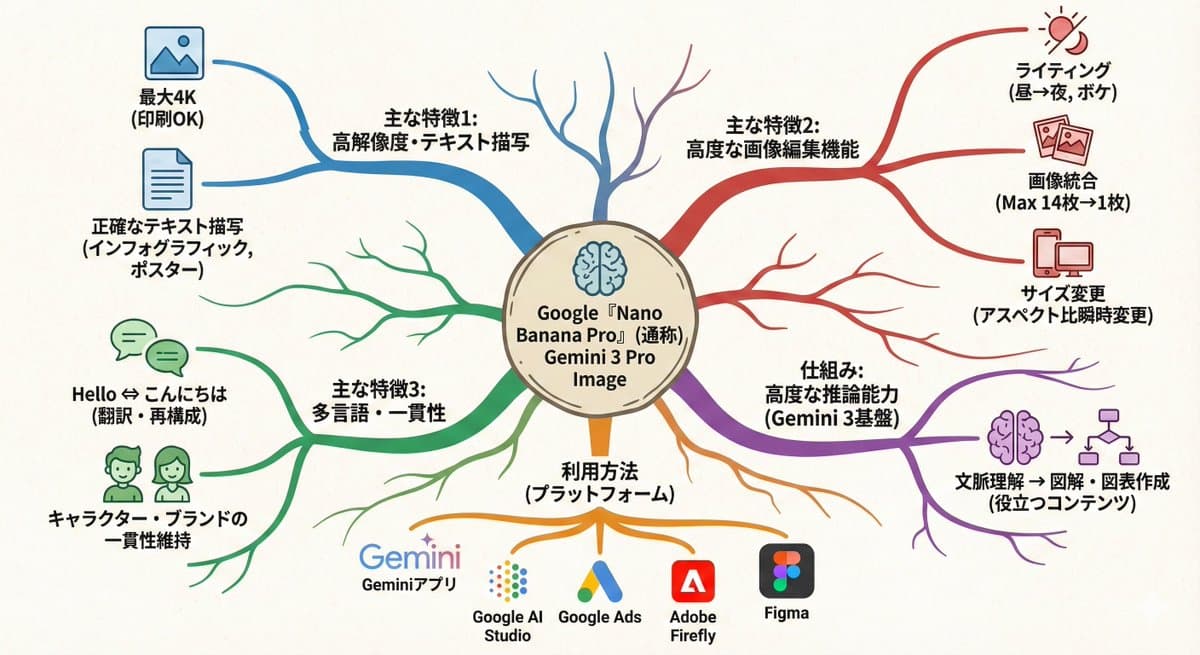
Turn a checked outline into a visual mind map with this AI prompt template for central themes, color-coded branches, concise labels, and simple icons.
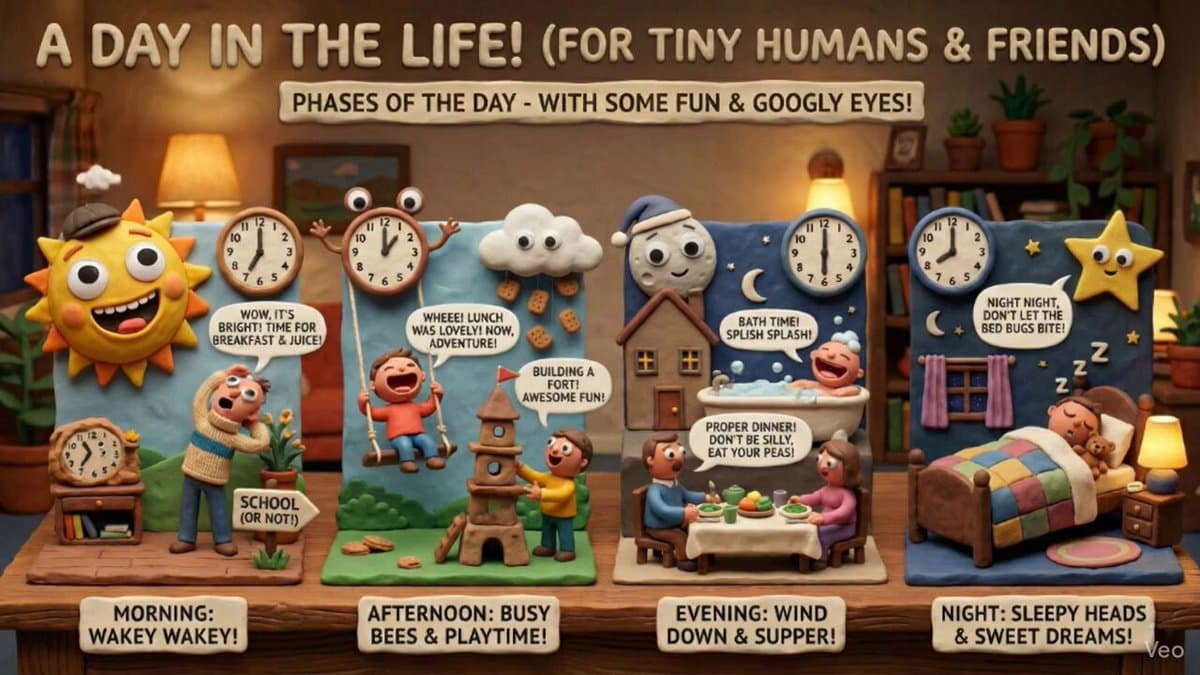
Prompt excerpt: “Create an infographic that explains the phases of the day, perfect for a {argument name="child_age" default="6-year-old"}, in the style of distinctive claymation with wid…”
Find this title in the generator template picker, then replace the prompt placeholders and add any required reference image.
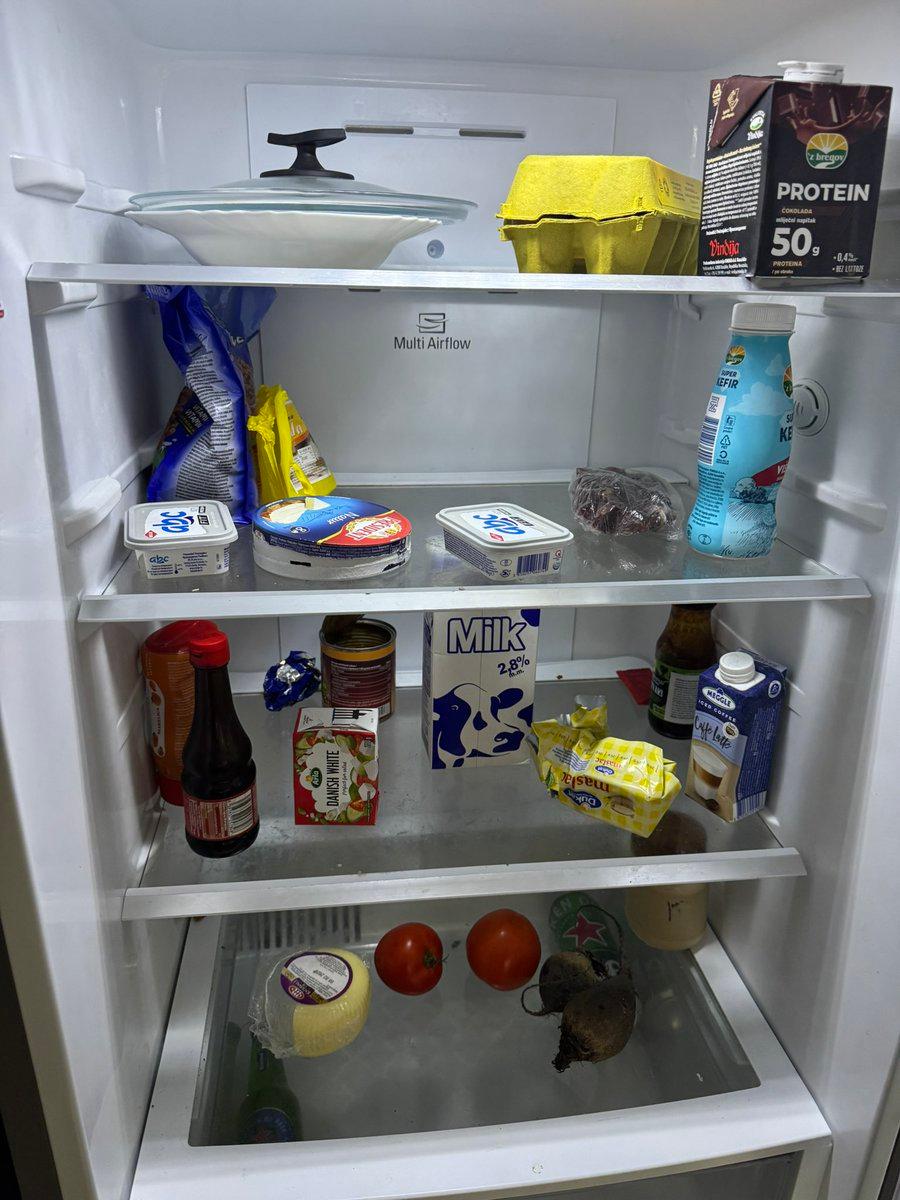
Prompt excerpt: “Scan what’s inside the {argument name="container_en" default="fridge"} and suggest what can be cooked with the available ingredients, providing a detailed step-by-step re…”
Find this title in the generator template picker, then replace the prompt placeholders and add any required reference image.
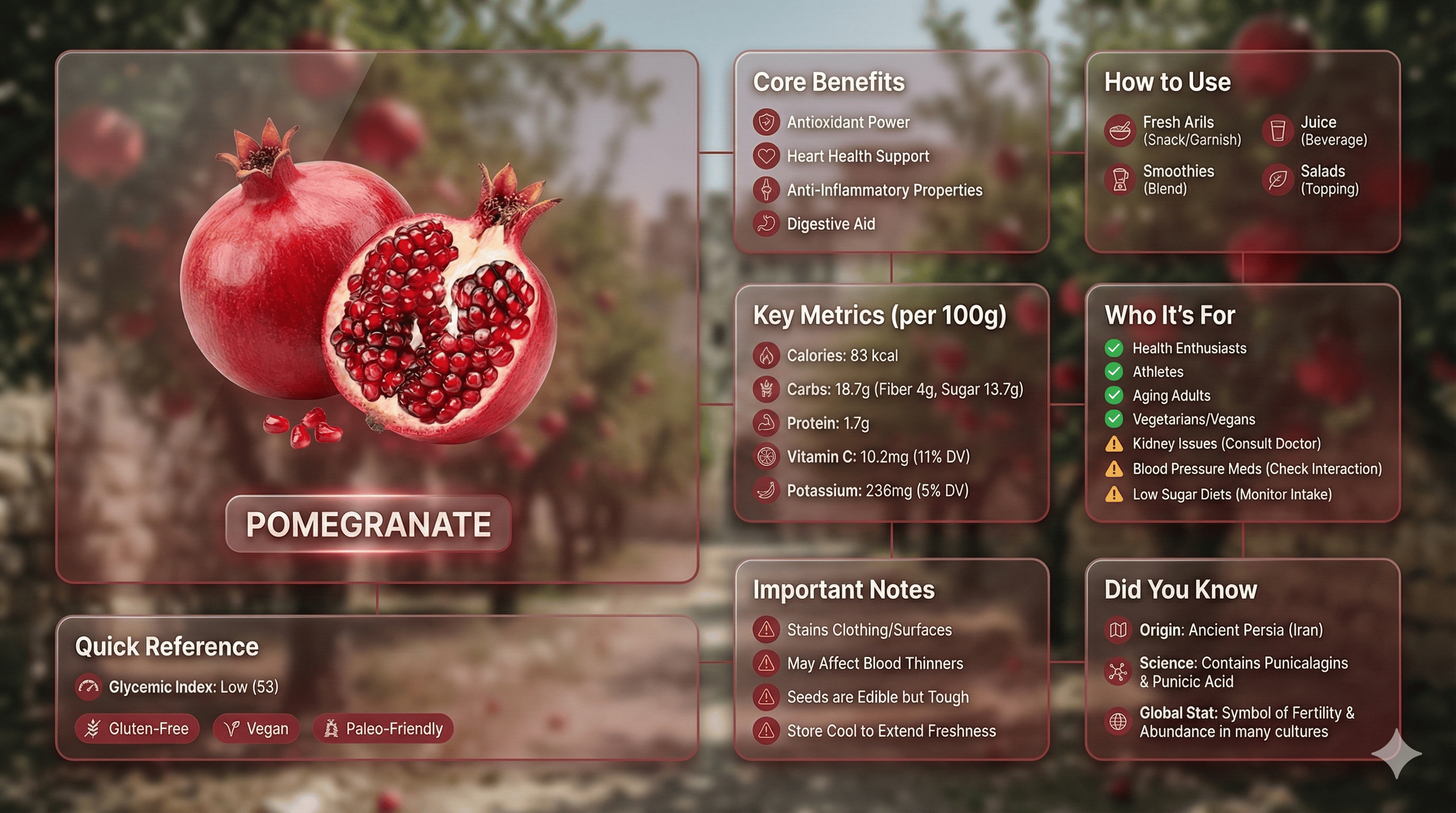
Prompt excerpt: “Input Variable: [insert product name] Language: [insert language] System Instruction: Create an image of premium liquid glass Bento grid product infographic with 8 modul…”
Find this title in the generator template picker, then replace the prompt placeholders and add any required reference image.
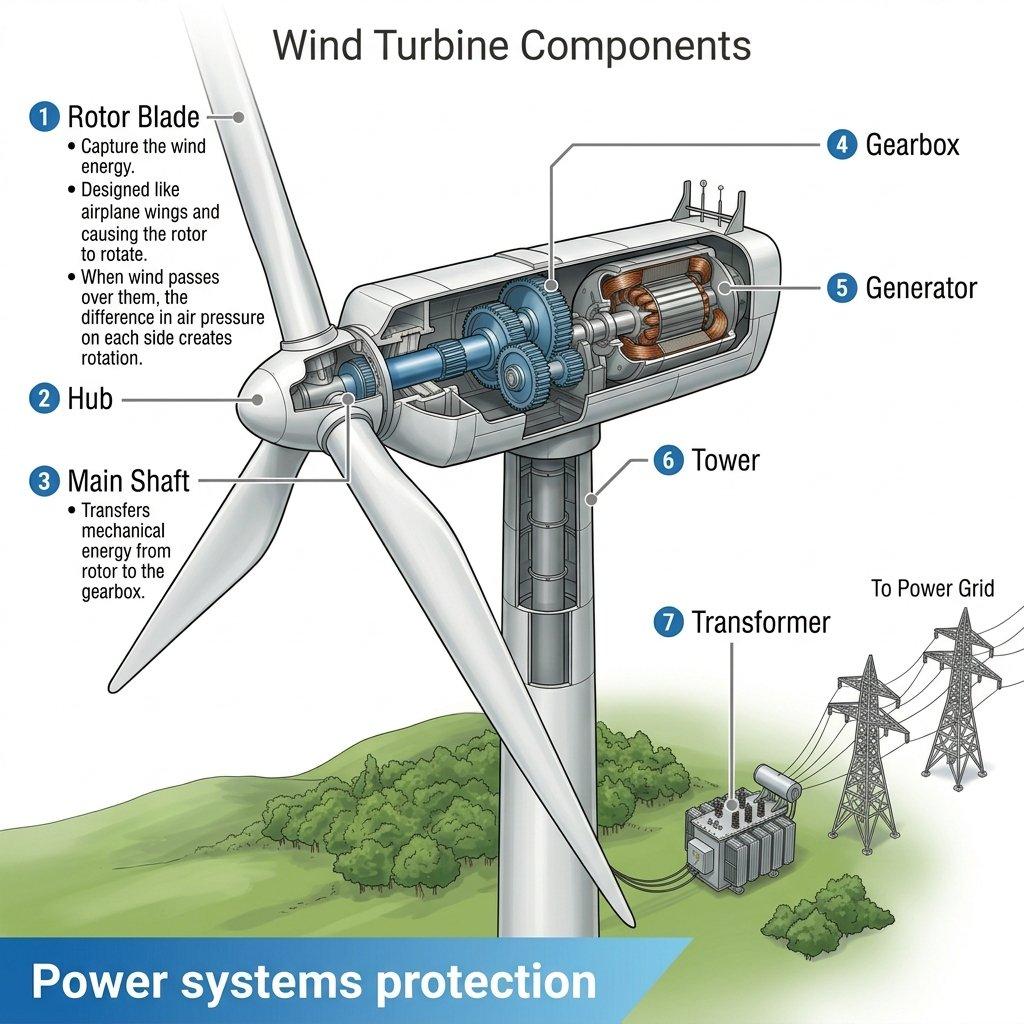
Prompt excerpt: “An intricate, highly detailed and clean 3D illustration and cross-section diagram of a massive horizontal-axis wind turbine, rendered on a crisp white background with a g…”
Find this title in the generator template picker, then replace the prompt placeholders and add any required reference image.
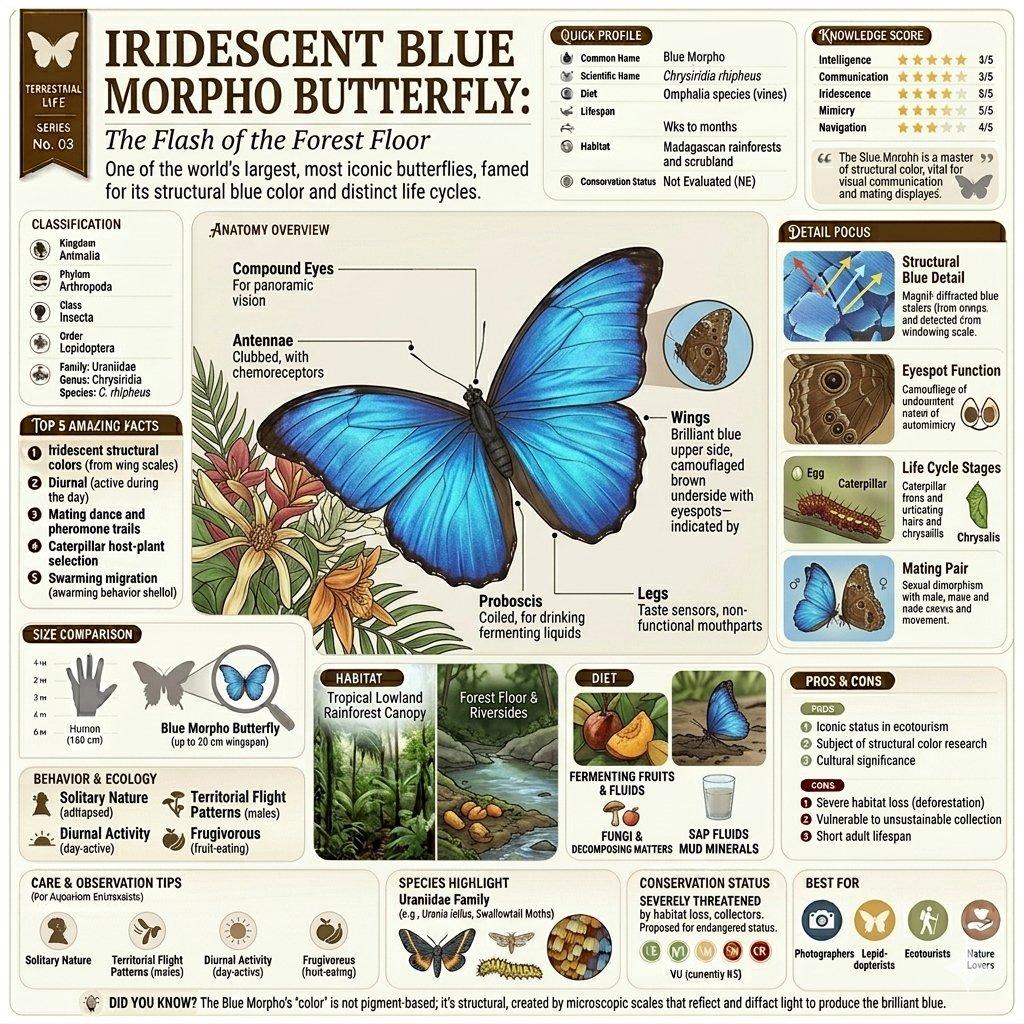
Prompt excerpt: “A comprehensive scientific educational infographic for {argument name="subject" default="an Orchid Mantis"}. The style is a vintage nature field guide with a cream-colore…”
Find this title in the generator template picker, then replace the prompt placeholders and add any required reference image.
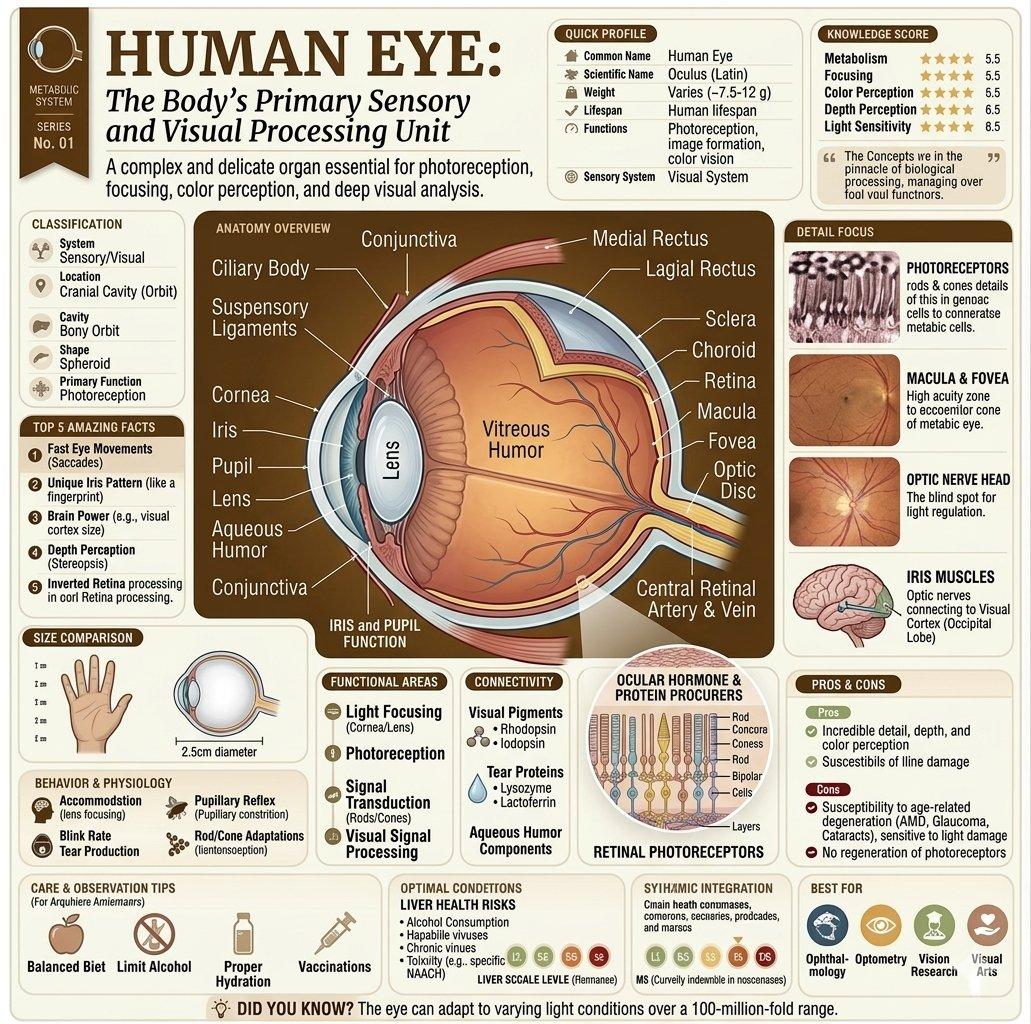
Prompt excerpt: “These detailed {argument name="subject" default="infographics"} illustrate the complex sensory systems of the {argument name="target" default="human eye and human ear"}, …”
Find this title in the generator template picker, then replace the prompt placeholders and add any required reference image.
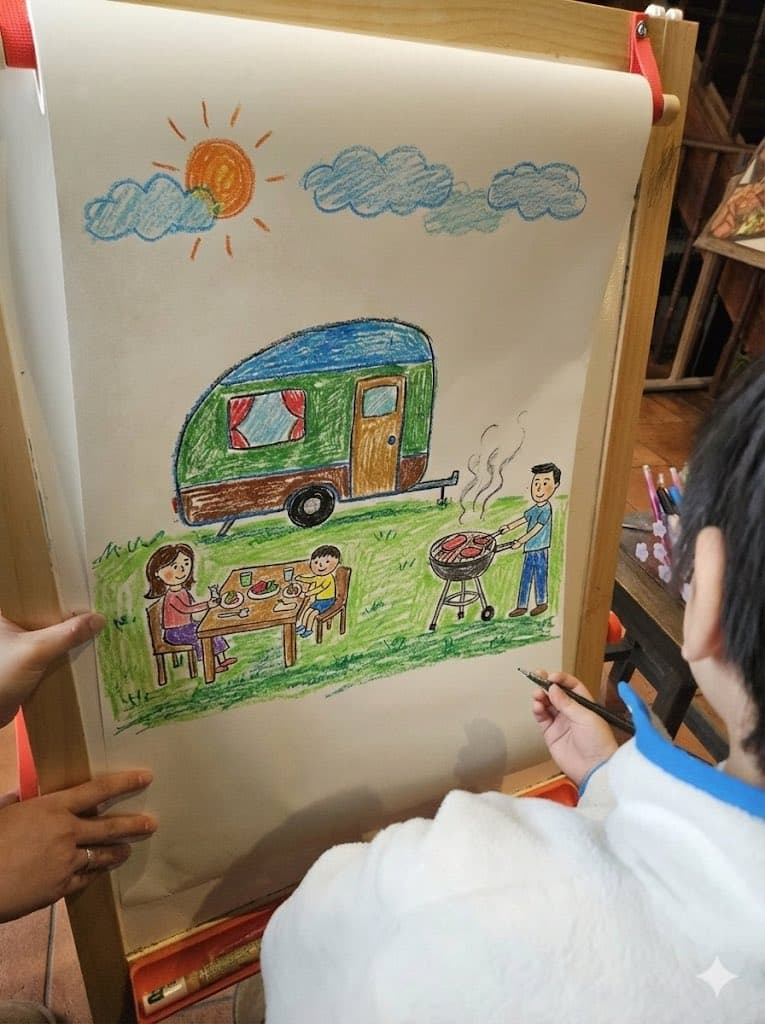
Prompt excerpt: “Keep all other elements in the image exactly as they are, and change only the drawing on the sheet of paper to a different style. The content of the drawing is a camping…”
Find this title in the generator template picker, then replace the prompt placeholders and add any required reference image.
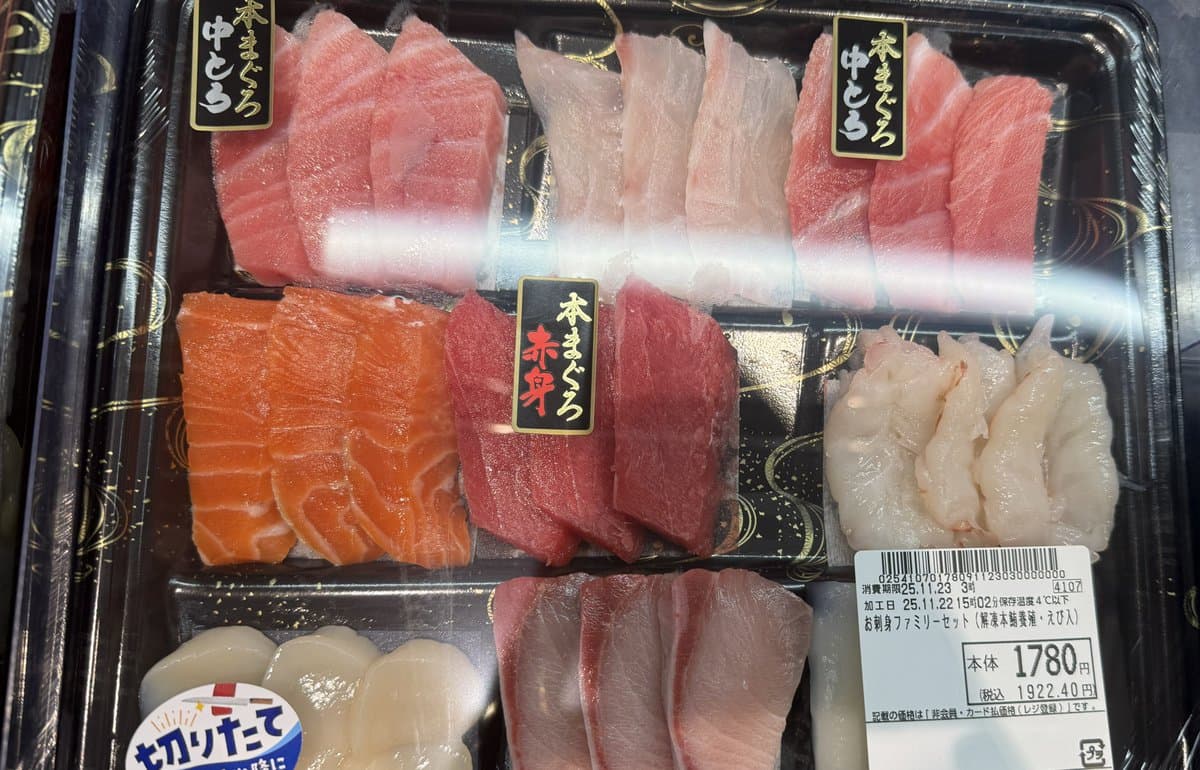
Prompt excerpt: “Reconstruct the ingredients from the reference image as living creatures. Arrange them in the same order, and clearly label each with its name, calories, and nutrition in…”
Find this title in the generator template picker, then replace the prompt placeholders and add any required reference image.
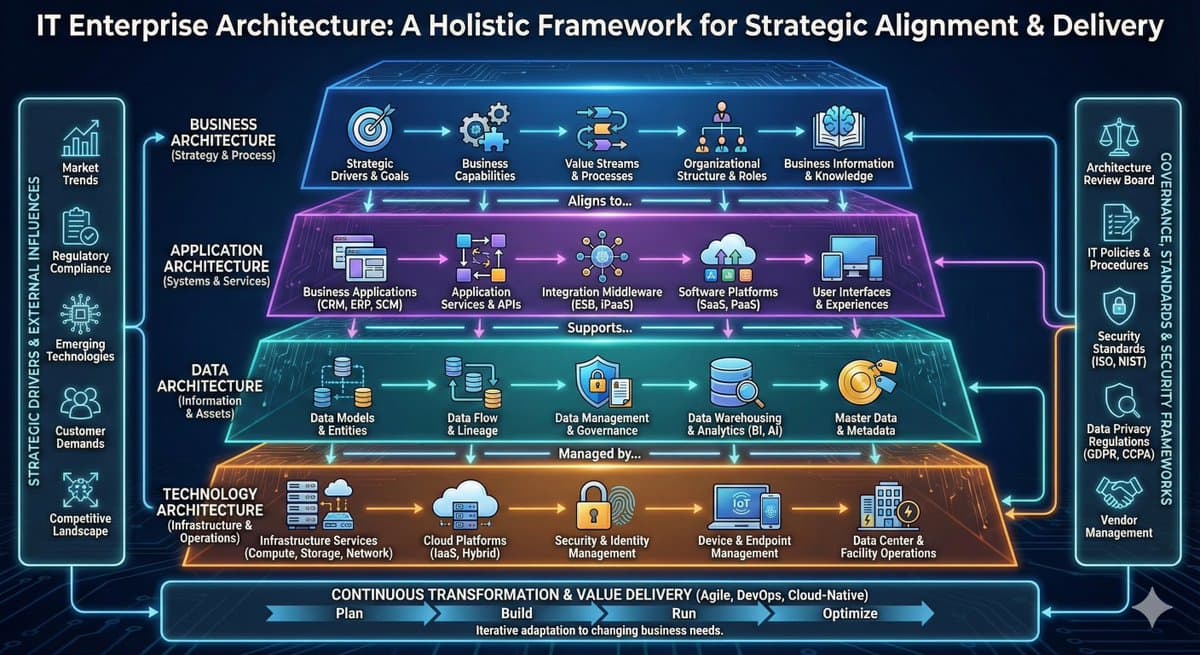
Prompt excerpt: “Create a very high-detail infographic image that describes IT careers or IT jobs related to the Software Development Life Cycle.…”
Find this title in the generator template picker, then replace the prompt placeholders and add any required reference image.
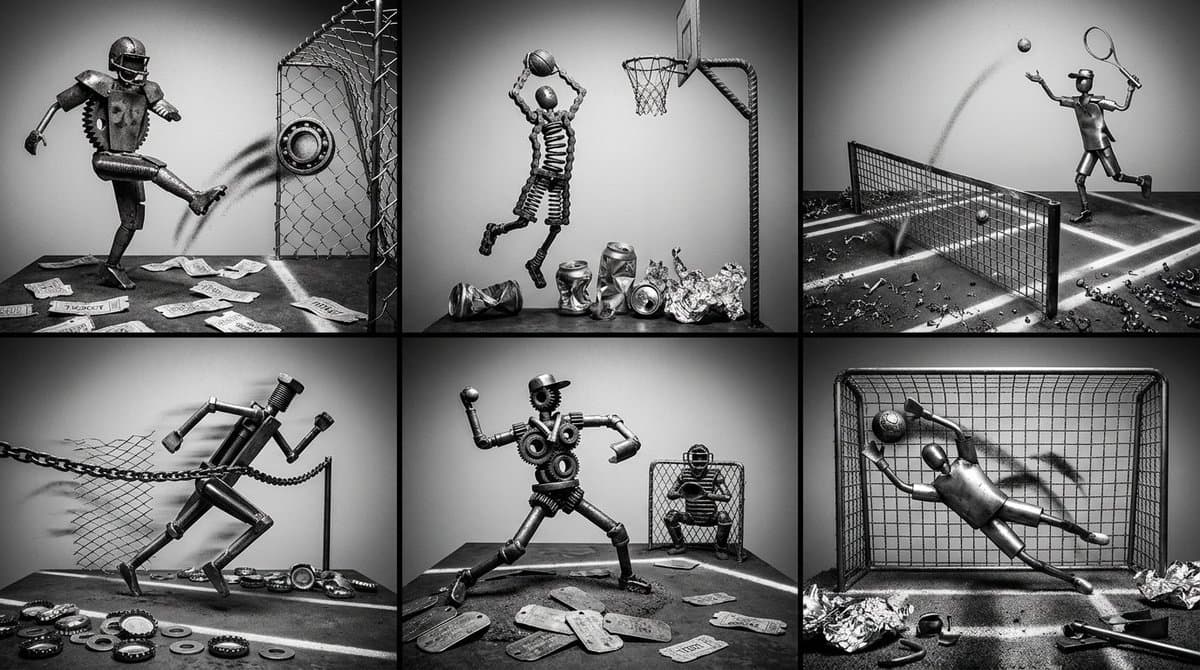
Prompt excerpt: “Identify 6 sports moments => reconstructed as dynamic scrap-metal dioramas where athletes are forged from [{argument name="metal materials" default="rusted gears, bicyc…”
Find this title in the generator template picker, then replace the prompt placeholders and add any required reference image.