1. Prepare an authorized photo
Use a portrait with even lighting and a visible torso. Avoid objects covering the clothes. The reference upload limit for Nano Banana 2 is 8 MB. Only upload photos you have permission to edit.
An AI outfit changer edits the clothing in an uploaded portrait using a text instruction. In the existing image generator, Nano Banana 2 photo edits cost 20 credits at 1K. Describe the garment, color and fabric, then ask to preserve your face, pose and background. This guide supplies prompts for manual setup; it does not guarantee an exact likeness or show how a garment will fit in real life.
Upload only photos you have the right to edit, with consent from anyone pictured. Use ordinary, fully clothed outfit descriptions. This independent website is not affiliated with or endorsed by Google. A clothing preview is not a sizing or fit assessment.
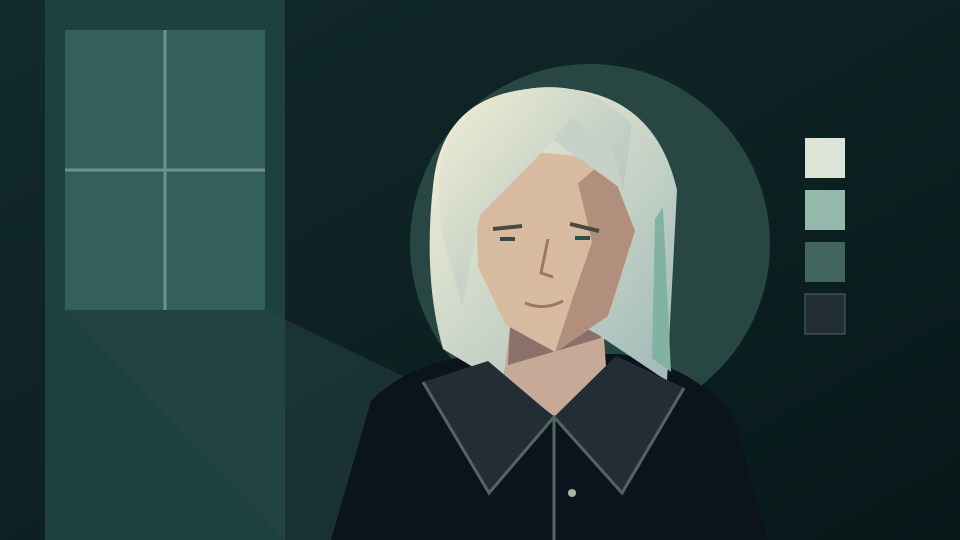
Choose a clear image with the clothing area visible. Specify the replacement outfit and which details should stay unchanged; review the result against the original.
Use a portrait with even lighting and a visible torso. Avoid objects covering the clothes. The reference upload limit for Nano Banana 2 is 8 MB. Only upload photos you have permission to edit.
Open the generator, select Nano Banana 2, upload the portrait and paste a prompt below. Name the garment, cut, fabric and color. Ask to keep the face, pose and background unchanged. The link does not prefill a prompt or select the model.
Sign in and check the displayed quote before submitting. A Nano Banana 2 photo edit costs 20 credits at 1K or 48 credits at 4K. Compare the face, hands, seams and garment edges before downloading. Each new submission is another request.
Copy an instruction into the existing tool. These are prompts to try, not tested results. Keeping identity and body proportions unchanged is an instruction, not a guarantee.
Edit my authorized portrait. Replace the visible clothing with a navy tailored blazer over a plain white crew-neck top. Keep me fully clothed. Preserve my face, expression, hair, skin tone, body proportions, pose, hands, lighting and background as closely as possible. Use realistic fabric folds and clean lapels.
Change only the clothing in my uploaded portrait to an olive overshirt over a cream T-shirt and straight dark jeans where visible. Keep the original framing and fully clothed coverage. Preserve my facial features, hair, pose, body proportions and background. Match the existing light and perspective.
Edit only the visible sweater in my authorized photo. Make it a burgundy cable-knit sweater with a modest round neckline, keeping its original length and coverage. Preserve my face, hands, body shape, trousers, accessories and background. Keep the knit texture and shadows believable.
A generated image helps communicate an outfit idea. It cannot measure your body, confirm a clothing size or reproduce a catalog garment exactly.
Compare the face and body proportions with the source. Inspect hands, sleeves, collars, hair overlaps and accessories. Reject previews that change features you asked to preserve.
If the fabric or cut is wrong, name that correction and reuse the original photo to compare looks. Check the quote before another submission; repeated attempts are not guaranteed to preserve every detail.
Treat the result as a visual mood board. Check the actual garment measurements, materials and retailer sizing before buying clothes. The image does not predict drape, comfort or physical fit.
Create a background from text and choose a screen-friendly ratio.
Try hairstyle instructions on an authorized portrait.
Explore reference-guided lighting and presentation prompts.
Review plans before submitting an image request.
Read the upload and service terms.
Yes. Upload an authorized portrait in the existing image tool, choose Nano Banana 2 and describe the replacement clothing. Keep the clothing area visible and state what should remain unchanged.
No. Identity, anatomy and garment details can change during an image edit. Ask to preserve them and compare the preview with your original before using it.
No. The described Nano Banana 2 editing workflow uses credits: 20 credits at 1K or 48 credits at 4K. Sign in, check your balance and review the displayed quote before generating.
No. The generator link does not prefill the prompt, choose a model or submit a job. Select the model, upload your photo and paste your chosen instruction manually.
No. A generated preview cannot measure your body or predict real garment fit. Use the actual garment measurements and sizing guidance when shopping.
Yes, with the necessary rights and consent from the person pictured. Follow the service terms and use fully clothed styling instructions.