Nano Banana 2 Image Generation
Create flexible AI images with 1K to 4K output, broad aspect ratio support, reference-image workflows, and a clear path to Nano Banana Pro refinement.
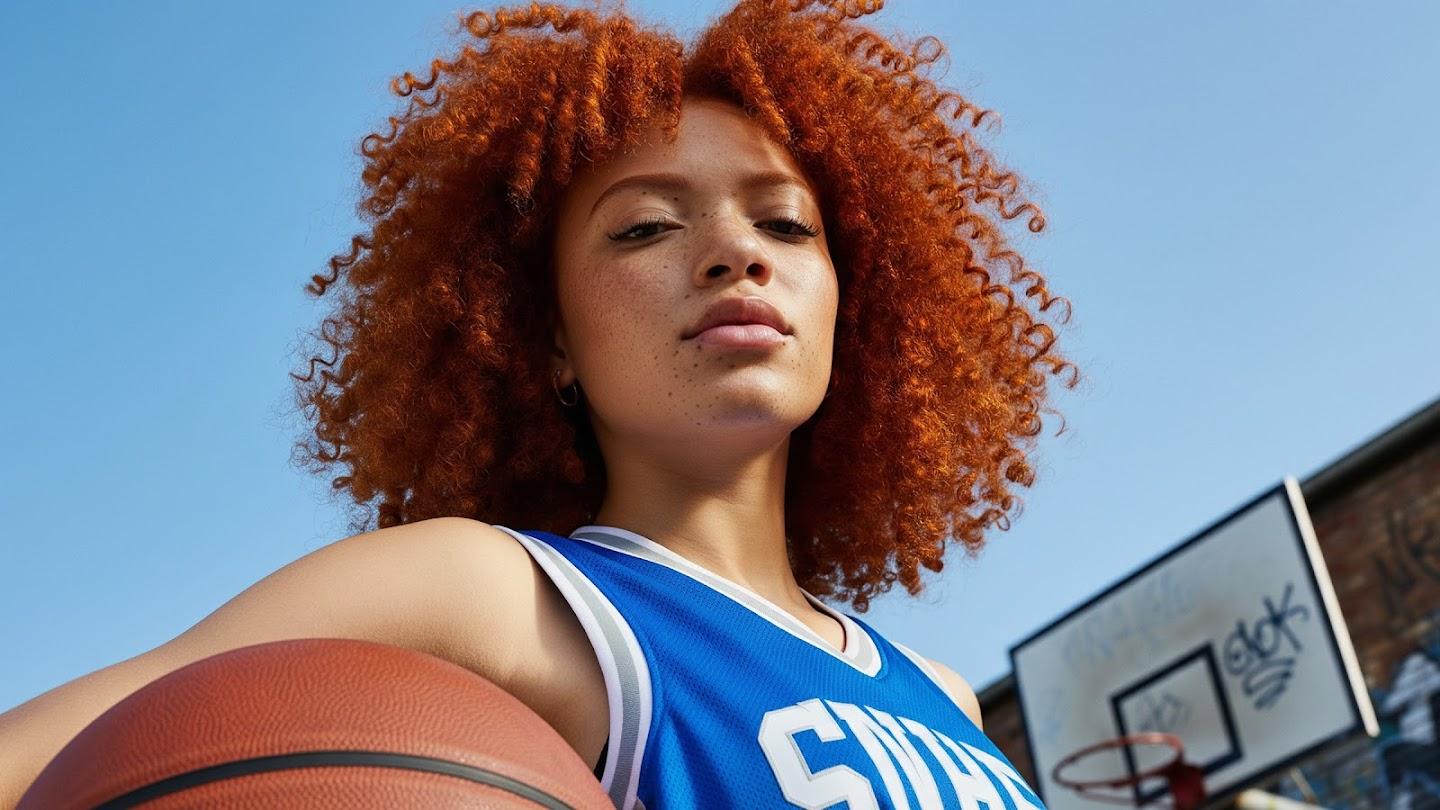
What is Nano Banana 2?
Nano Banana 2 creates and edits still images from text or references. Choose 1K / 2K / 4K output; it does not make videos.
How to Use
- Choose Nano Banana 2. Open the generator on this page with Nano Banana 2 selected.
- Pick resolution and ratio. Select the output resolution and aspect ratio for your target channel.
- Write a detailed prompt. Describe subject, environment, lighting, style, and composition.
- Generate and refine. Review the result, adjust the prompt, or use a reference image for another pass.
How does it compare with Nano Banana Pro?
Choose by the settings and credit cost for your task. Nano Banana Pro is the default image model; Nano Banana 2 and 2.1 are alternatives with automatic aspect ratio selection. All offer the listed output resolutions. Compare results with the same prompt and references; no quality or speed advantage is guaranteed.
- Resolution
- 1K / 2K / 4K
- Aspect Ratio
- auto, 1:1, 1:4, 1:8, 2:3, 3:2, 3:4, 4:1, 4:3, 4:5, 5:4, 8:1, 9:16, 16:9, 21:9
Pricing
| Resolution | Text to Image (Credits) | Image to Image (Credits) |
|---|---|---|
| 1K | 17 | 20 |
| 2K | 27 | 32 |
| 4K | 40 | 48 |
The exact credit cost is shown before generation. Select your resolution and input, then check the quote and your available balance.
Image to Image AI is independent of the model vendors. Upload only content you own or have permission to use. Review generated results before publishing.
Try It Now
Experience the power of AI generation
Technical Specifications
Key Features & Capabilities
Supports 1K, 2K, and 4K output
Broad aspect ratio support including ultra-wide and vertical formats
Text-to-image and image-to-image workflows
Good fit for prompt exploration before a Pro-quality final pass
Connects to Nano Banana intent guides for AI generation and image editing
Resolution-tiered pricing
Useful for creative drafts and production-ready visuals
Examples
Lifestyle product scene for a smart speaker on a kitchen counter, natural light, shallow depth of field, premium editorial styling.
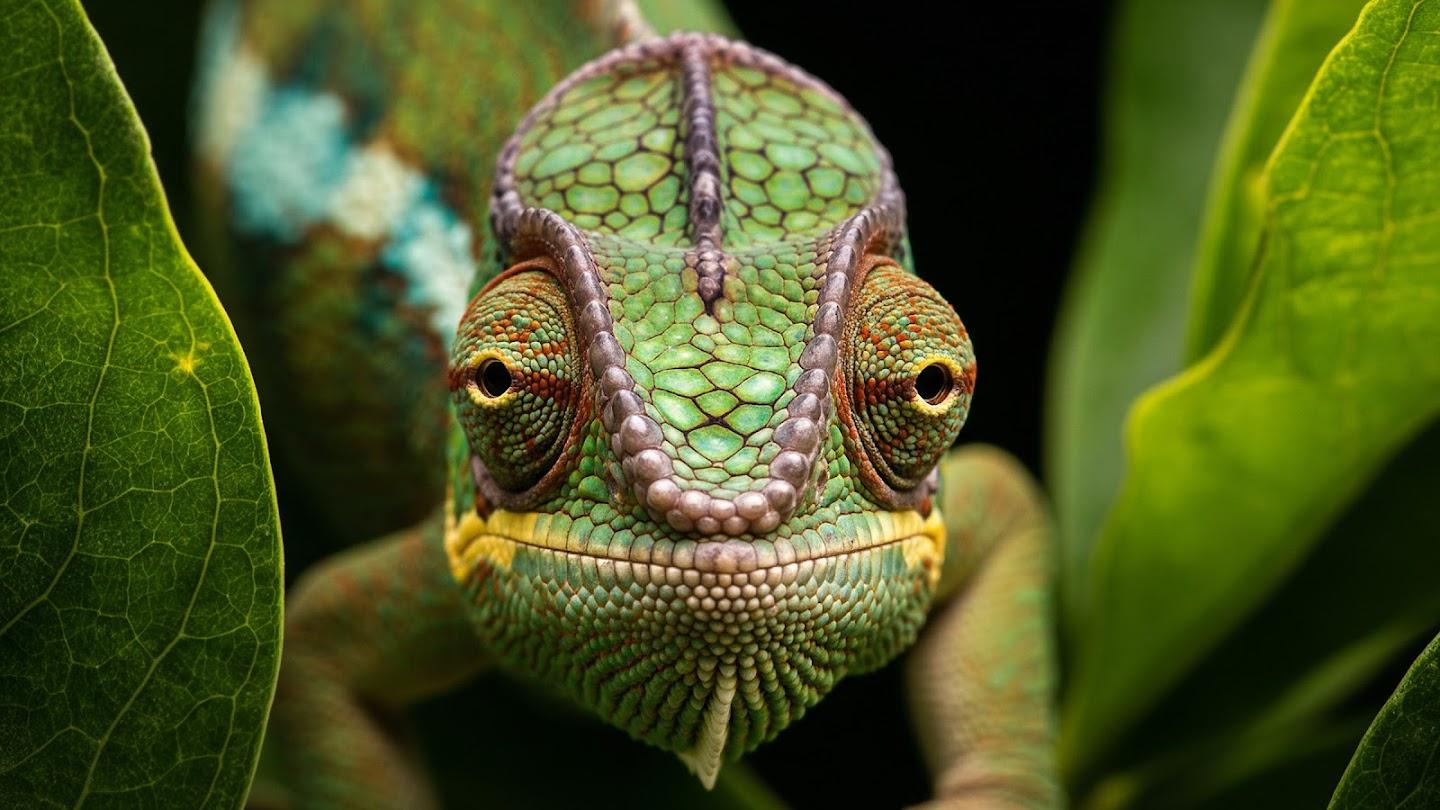
Whimsical storybook illustration of a small robot gardening on a balcony, warm palette, detailed textures.
Clean ecommerce hero image for running shoes, floating composition, crisp shadows, 16:9 layout.
How to Use
Choose Nano Banana 2
Open the generator on this page with Nano Banana 2 selected.
Pick resolution and ratio
Select the output resolution and aspect ratio for your target channel.
Write a detailed prompt
Describe subject, environment, lighting, style, and composition.
Generate and refine
Review the result, adjust the prompt, or use a reference image for another pass.
FAQ
Yes. Nano Banana 2 supports 1K, 2K, and 4K output options.
Yes. The image workflow supports image-to-image generation with uploaded references.
Pricing is tiered by resolution. Text-to-image starts at 17 credits for 1K.
Choose Nano Banana 2 when you want flexible drafts, many aspect ratios, and fast exploration. Choose Nano Banana Pro when the final image needs stronger polish, higher production detail, or more careful text rendering.
Yes. Nano Banana 2 can be used with reference images for product edits, style changes, background variations, social assets, and other image-to-image workflows.
Start with the Nano Banana guide for the broad search intent, the Nano Banana AI guide for generation use cases, and the Nano Banana image editing guide for reference-image edits. This page stays focused on the Nano Banana 2 model itself.
Related Nano Banana guides
Not sure where to start? These guides explain what Nano Banana is, how to generate images with it, and how to edit a photo with a reference image.
Ready to Create?
Start generating amazing content with our AI models today