An AI portrait generator turns a written description or your own photo into an artistic portrait image, such as an oil painting, a realistic close-up, a black-and-white study or a studio-lit portrait. Use GPT image 2 in the existing image tool: text generation costs 10 credits and a photo edit costs 15 credits. Describe the style, lighting and framing for one person, then review the result. This guide covers stylized personal portraits; career headshots, family groups and pets have their own guides.
Upload only photos you have the rights to edit, with consent from anyone pictured, and do not request portraits of real people from their names. This independent website is not affiliated with or endorsed by model vendors. A generated portrait can change facial features and does not guarantee an exact likeness.
A written description or your own authorized photo
10 credits from text; 15 credits for a photo edit using GPT image 2
Oil, realistic, black-and-white and studio lighting styles
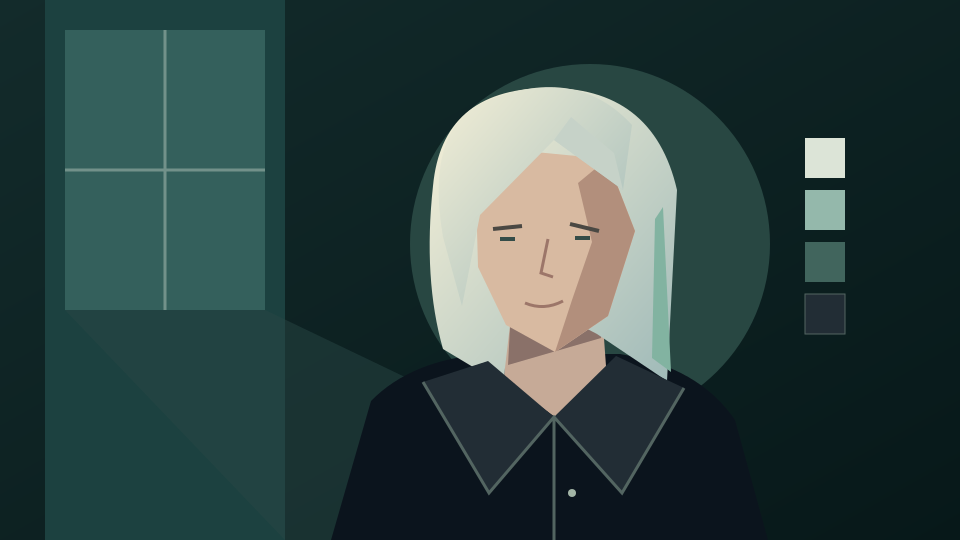
Existing site illustration, not a generated portrait or a before-and-after example. The prompts below are untested suggestions to adapt.
How to create an AI portrait
Choose a source, a style and the lighting
Decide first whether the portrait starts from text alone or from your own photo. Then name one art style, the light, the framing and what should stay the same.
1. Pick text or a photo
For a text portrait, describe an original, fictional person by age range, clothing and mood without naming a real person. For a photo portrait, use an evenly lit JPEG, PNG or WebP of yourself up to 30 MB, or a photo you have consent to edit.
2. Describe the portrait style
Open the generator, select GPT image 2 and paste a prompt from below. Upload your photo yourself for an edit. Name the medium, light direction, background and crop, and ask to keep the face, expression and hairline when you use a reference.
3. Check the quote and likeness
Sign in and check the quote: 10 credits from text or 15 credits for a photo edit. Compare eyes, nose, mouth, skin tone and hair with your original before downloading. Each new attempt is another request.
Portrait prompt examples
Try oil, realistic, monochrome or studio light
These are untested prompt suggestions, not verified generated portraits. Copy one into the generator and adjust the details to your own photo or idea.
Classical oil portrait
Use my authorized photo as the reference. Repaint it as a classical oil portrait with visible brushstrokes, warm umber tones and soft window light from the left. Keep my facial features, expression, skin tone and hairline as close to the original as possible. Use a dark, plain background and a head-and-shoulders crop.
Black-and-white studio portrait
Edit my authorized photo into a black-and-white studio portrait with a single soft key light, gentle shadow on one side of the face and a plain gray backdrop. Preserve my features, expression, clothing and pose. Keep natural skin texture and do not apply beauty retouching.
Realistic portrait from text
Create a realistic close-up portrait of an original, fictional adult woman in her forties with short gray hair, a navy sweater and a calm, thoughtful expression. Use warm rim light, a softly blurred library background and a shallow depth of field. Do not resemble any real or famous person.
Dramatic rim-light portrait
Use my authorized photo as the reference for a moody portrait with a teal background, strong orange rim light from behind and a low-key exposure. Keep my face, expression and hairline recognizable. Crop at the shoulders and keep the composition simple with no text.
Before using your portrait
Review likeness, rights and purpose
A styled portrait is an interpretation. Check what changed before you share it or use it as a profile image or gift.
Compare it with the original
Look for altered eye shape, smoothed skin, a different age, changed glasses or a shifted hairline. Reject a version that changes features you wanted to keep, and write that correction into your next prompt.
Respect the person pictured
Get consent before editing or sharing a portrait of someone else. Keep identification documents, private details and misleading uses out of the workflow. Text portraits should describe fictional people.
Pick the right guide for the job
Use the headshot guide for career photos, the family portrait guide for groups, the pet portrait guide for animals and the photo-to-painting guide for repainting a whole scene. This page focuses on one person in an artistic style.
Can I create a portrait without uploading a photo?
Yes. Describe an original, fictional person, the style and the lighting; text generation with GPT image 2 costs 10 credits. Do not ask for a real or famous person by name.
Can I turn my own photo into an oil painting portrait?
Yes. Upload your authorized photo and ask for an oil portrait that keeps your features; a photo edit costs 15 credits. Inspect the result because brushwork can alter details.
Will the portrait look exactly like me?
No. Reference edits can change eyes, skin texture, age or hairline. Ask to preserve your features, compare the result with the original and try a corrected prompt if needed.
Do I need consent to use another person’s photo?
Yes. Upload only photos you have the right to edit, with consent from the person pictured, and agree on how the portrait will be shared.
Is this the same as the AI headshot generator?
No. This guide covers artistic, stylized portraits of one person. The headshot guide covers formal career portraits for profiles and resumes.
Is generation free?
No. This guide does not promise free generation. With GPT image 2, text generation costs 10 credits and a photo edit costs 15 credits. Sign in and check your balance and the displayed quote before submitting. Each retry is another request.
Does this page automatically set up the generator?
No. The button opens the existing image generator and does not prefill a prompt, select a model, upload a photo or submit a job. Set up the request manually and check the quote before generating.